
If you’re in a file based IDE vs APEX’s Builder (Web) interface, what do you have access to? That IDE would be Visual Studio Code (VS Code), with our SQL Developer Extension.
Quite a lot, it turns out!
- APEXlang Syntax highlighting
- Outline View
- Hover hints – find out more about a property or their allowed values
- Diagnostics – Houston , we have a problem – see the Problems panel
- Code Completion
- Embedded Language Support – so if you have CSS or SQL inside of APEXlang, then the IDE can treat those as their CSS or SQL – not simply ‘strings’ inside of APEXlang
- the list goes on.. see the Docs for a full list, including screenshots!
But let me show a few of these things, since I have you here.
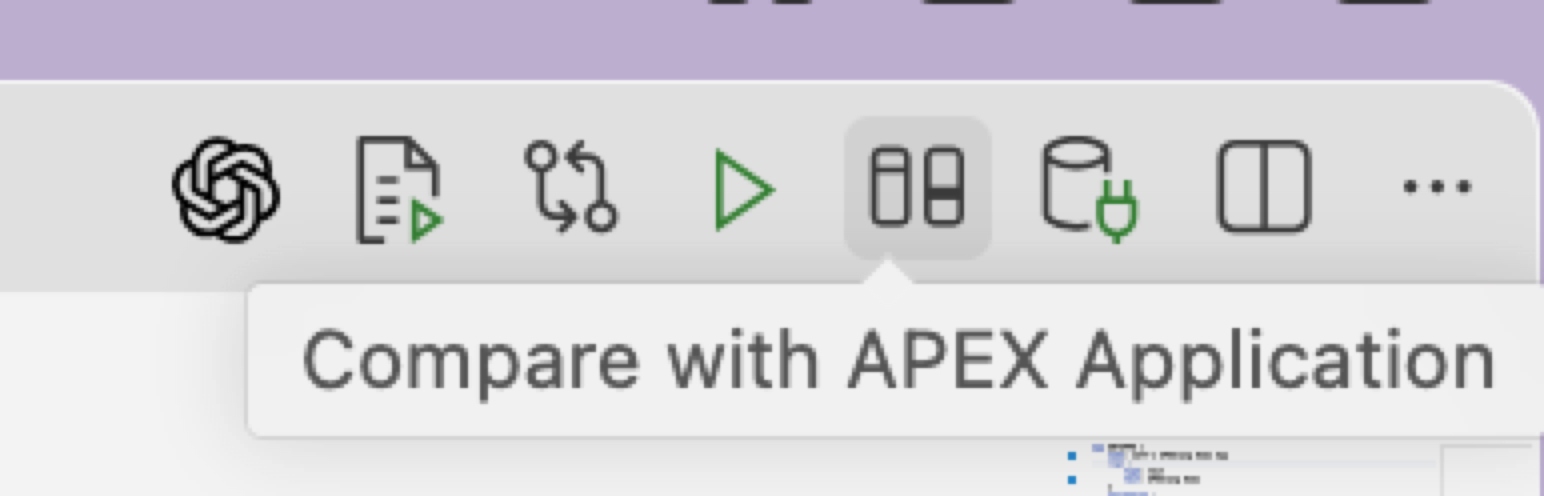
I can compare what’s in my APEXlang project files vs what’s currently defined in the database, simply hit the Compare button.
Don’t blindly use AI to do everything
Jeff, I thought that was the entire point here?!? No, AI is a tool. And tools are best utilized for the ‘task at hand.’
If just just want to rename/label my application, that’s a line of text in a single file. I shouldn’t consume tokens and 3 minutes of Agent time to do what I can do in like 3 seconds.
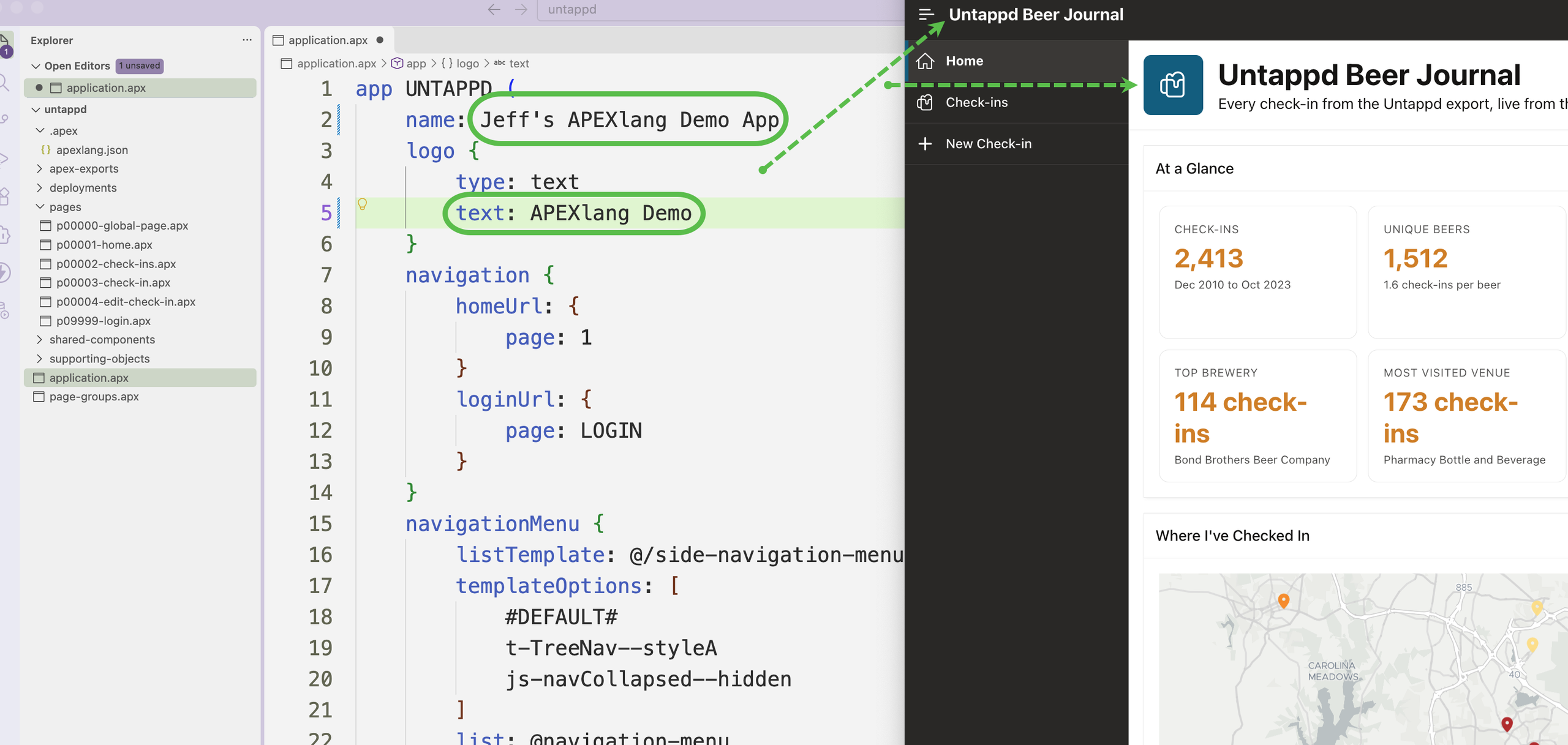
And I can save my files and then do that compare thing I just talked about, what impact would that actually have?
Compare code in files to app as defined in the database
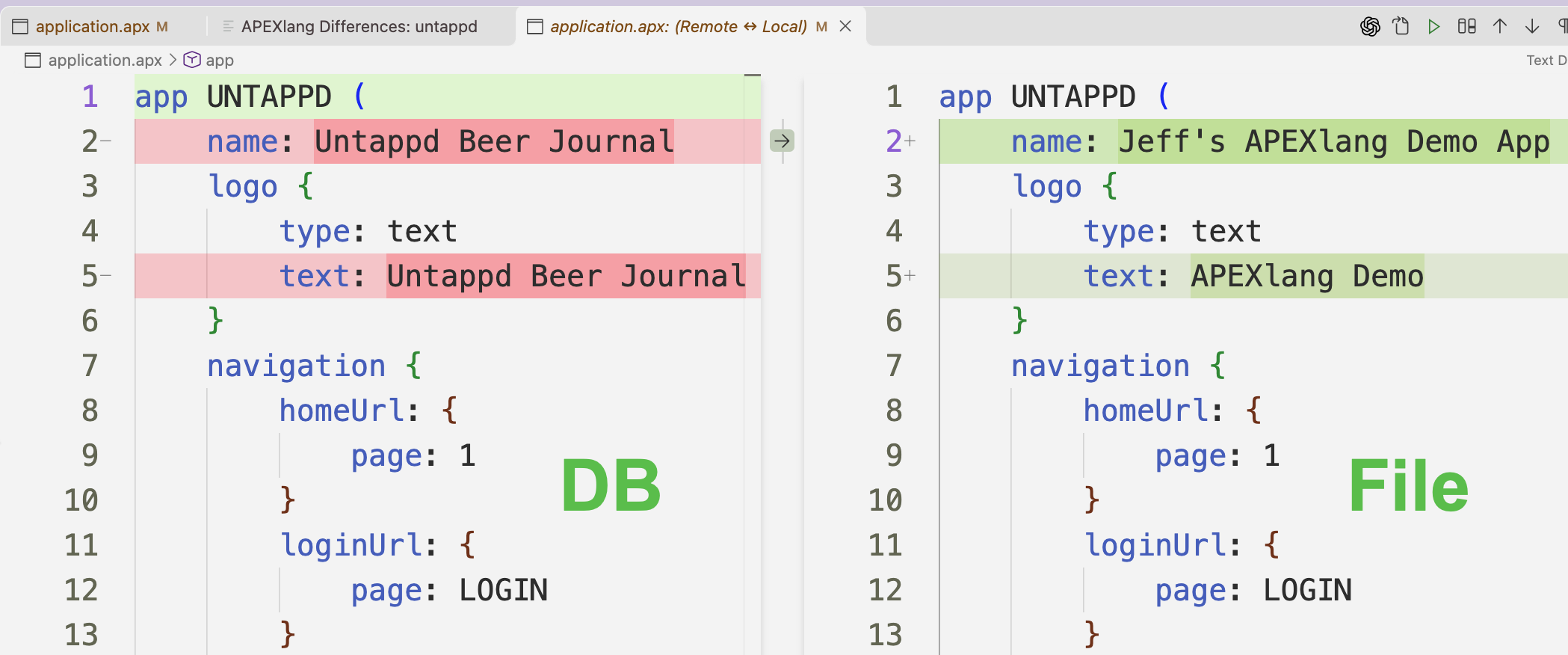
The compare takes the current database definition of your app, exports it as APEXlang files, and then does a compare. That’s different from what I showed yesterday where we’re relying on VS Code and Git to show us the changes of our work over time strictly from the file perspective.
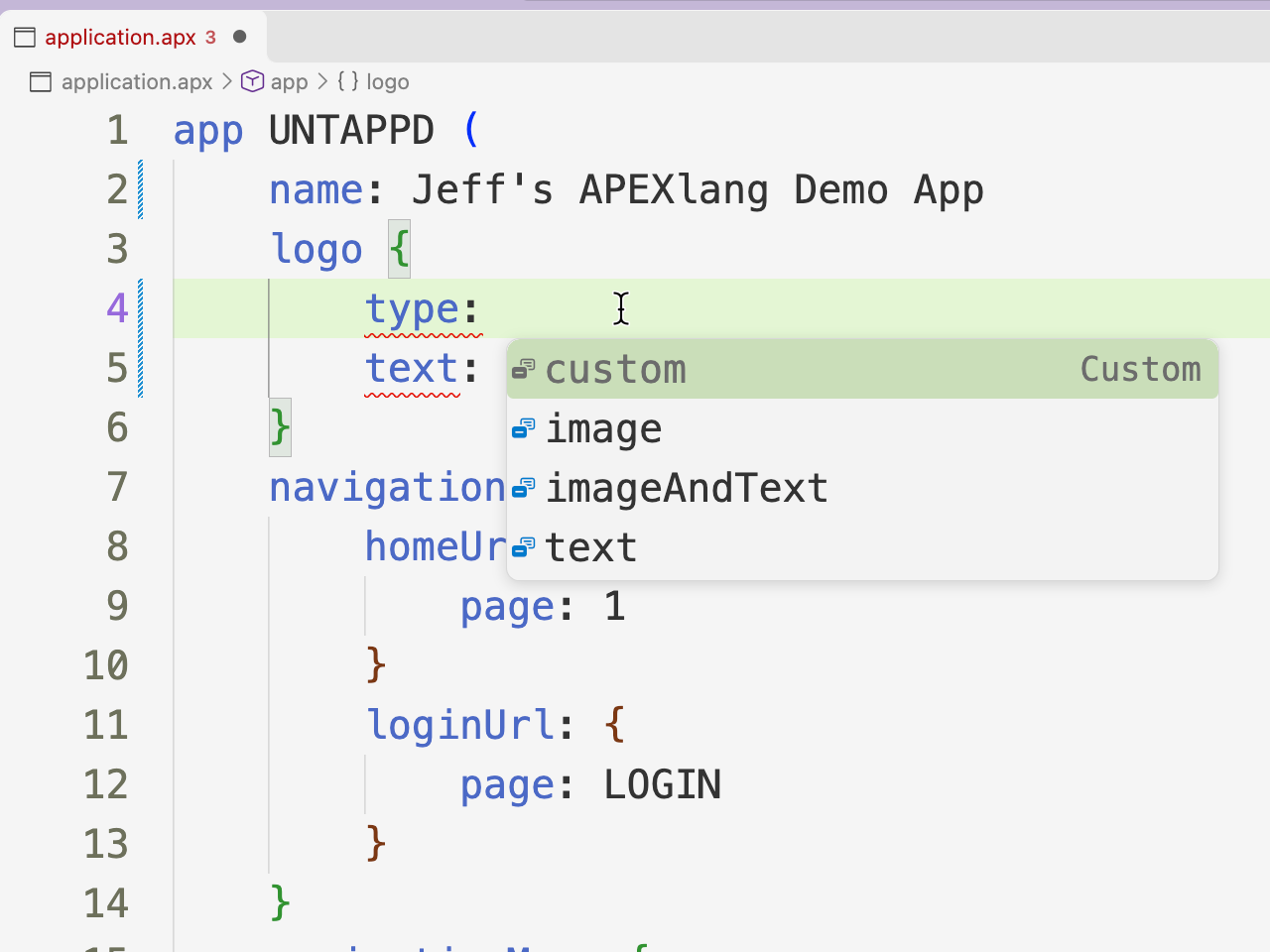
Maybe I want something, fancier for my logo instead of text? Our APEXlang languages server support in VS Code makes that information readily available.
Commit, Compile, and Run…
…and my changes went ‘Live’ and as I suspected I wasn’t changing exactly what I thought I was going to be changing. All good, learning isn’t a spectator sport!

What if we need to do some real work, with SQL?
Maybe I need to ‘fix the SQL.’ Someone asked me yesterday on LinkedIN how many SQL’s I had to fix in my ’15 minute generated APP’ – and the answer was Zero. Did my LLM get lucky? Or was my table well named and organized, and maybe it had worked with that data for the last 2 years…
I would not assume the AI is ‘always going to get the SQL right.’ And you need to check the results to make sure that the ‘answers’ line up with the facts!
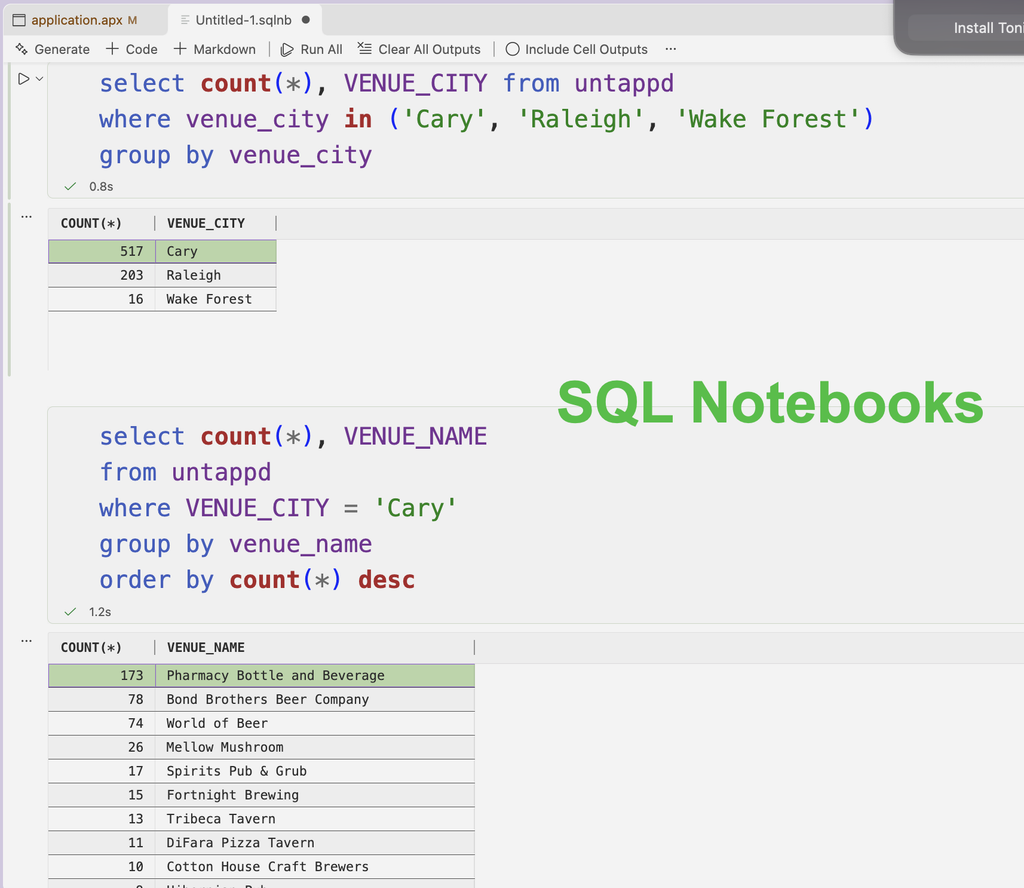
Quick Test –
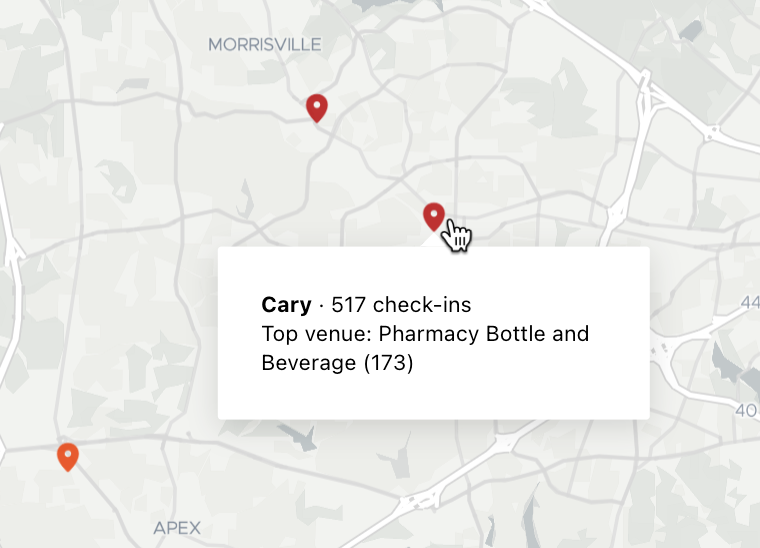
And let’s do some SQL’ing…
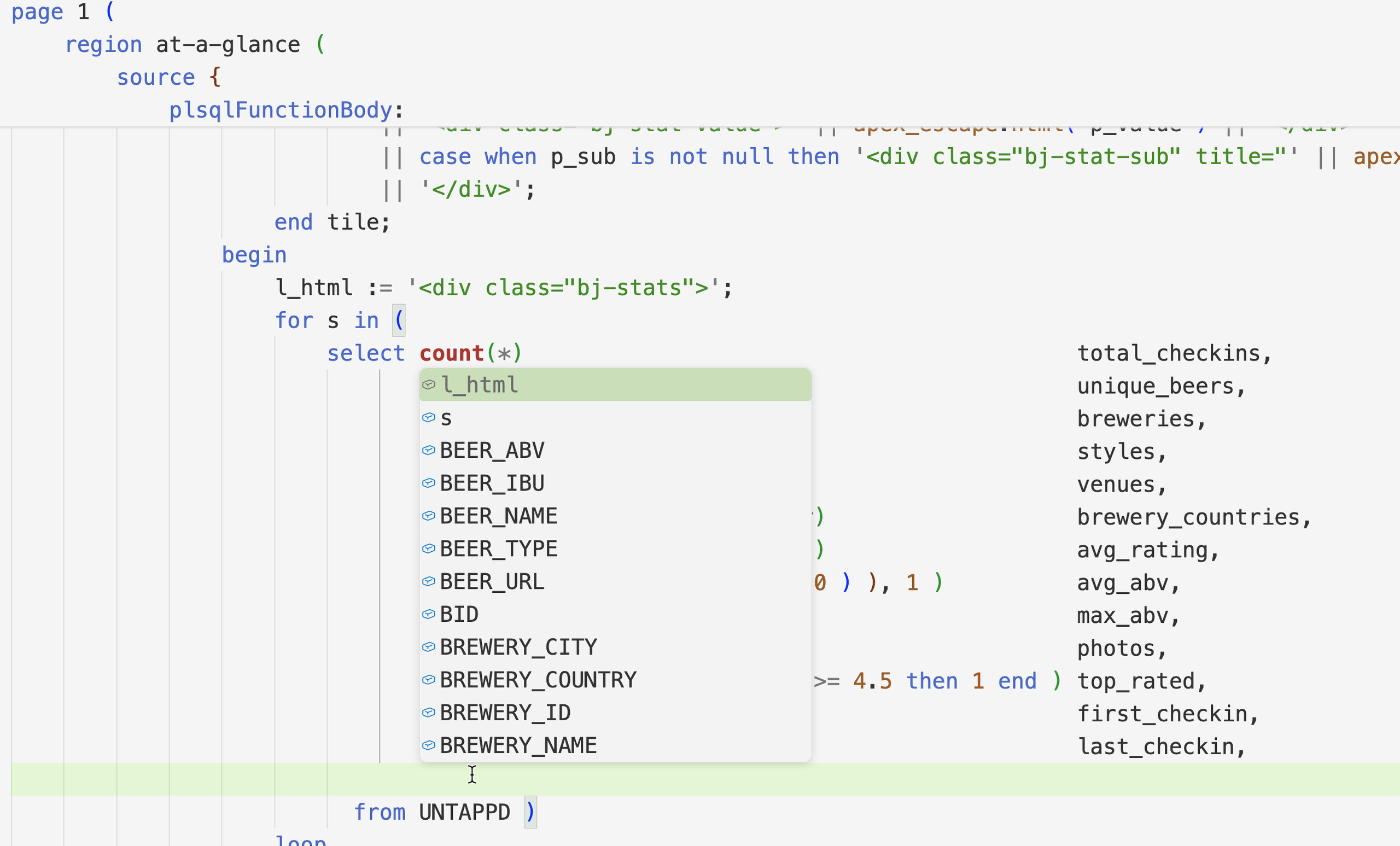
SQL support inside of APEXlang files
If I did want to change the query specifically, I could do that myself in the IDE vs my Agent.
And SQL Developer’s VS Code extension speaks both APEXlang and SQL 🙂 That means I can get table / column completion in my SQL embedded in APEXlang.
There’s so much more to talk about…
CI/CD pipelines, versioning, code quality checks, etc – things that we’ve built into SQLcl. Let me know what you’d like to see covered next!