
Yesterday I built an APEX app for my Untappd beer check-in data. I vibe coded it with my Agent, and it was generated using APEXlang.
It was, Ok. I’d give it a 4 out of 10 for an app in general, but a 7 out of 10 for my first go at it. That being said, I was super happy as it only took me a few minutes of prompting and it was my first or second go at this.
I’ve seen some amazing APEX apps out there. In fact I use a few multiple times a day, every day, and they support tens if not hundreds of thousands of users.
So I knew we could do better. And iterative prompting is going to be part of our lives until we build agents to do that for us. So I wanted to take an opportunity to show you how to view the changes in the ‘code’ as it happens.
Fixing a bug and changing up the home page
So I informed my agent of a bug that needed fixed, and of a change I wanted to make to the homepage (page 1).
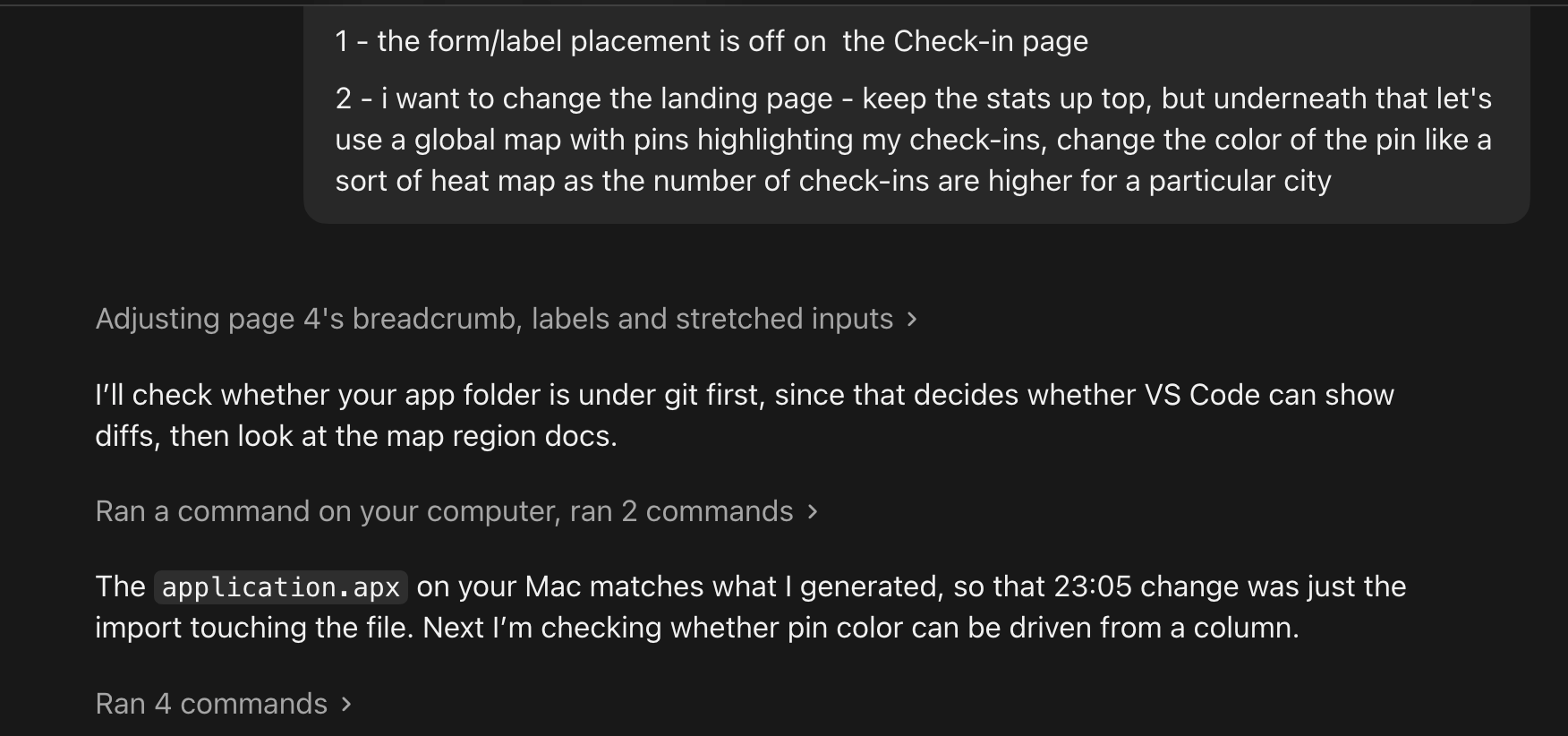
And it did it.
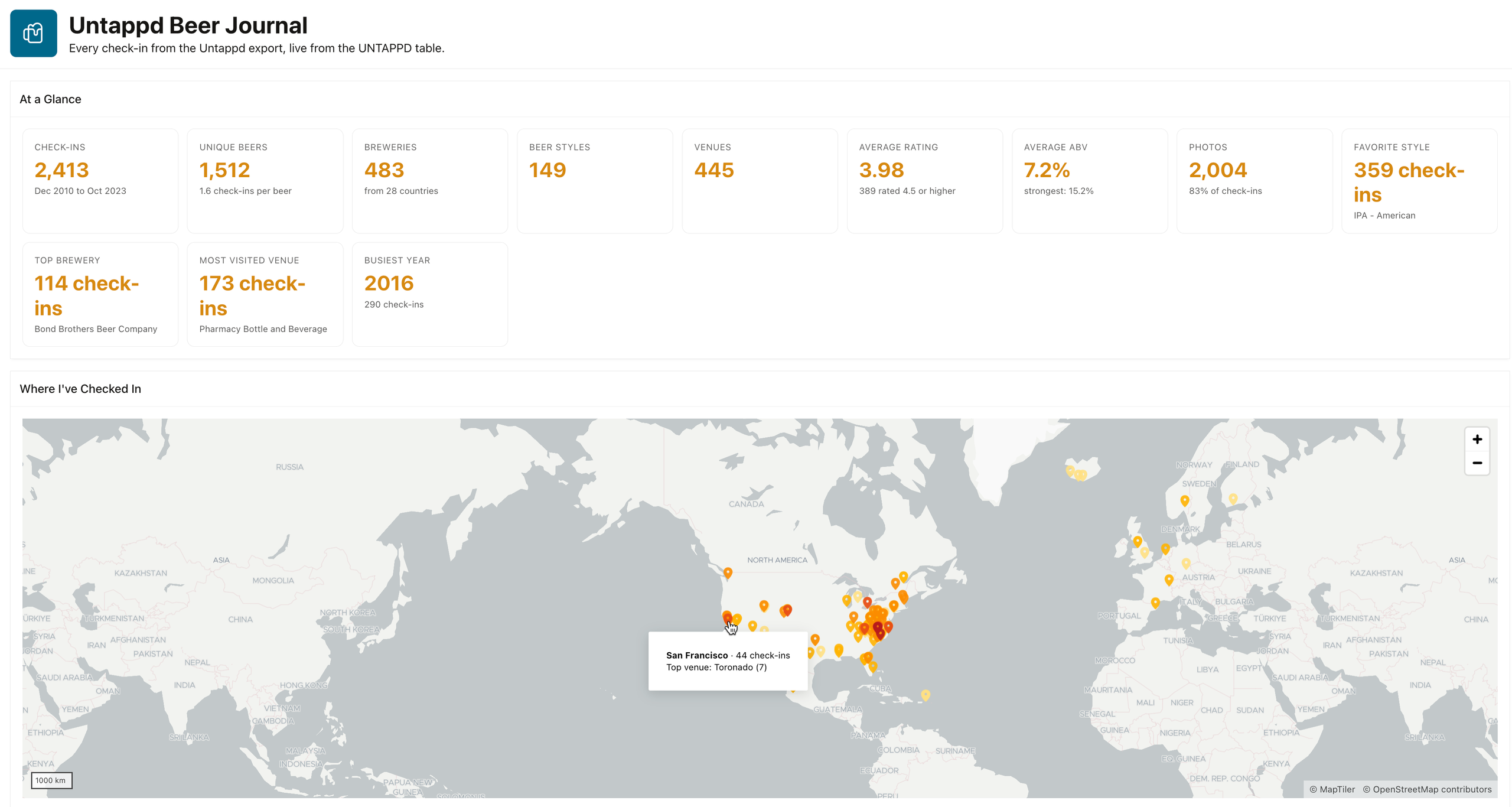
Instead of a boring grid, I now have a map visualizing my check-in’s per city. And instead of sticking a pin per check-in, I’m using a pin color range to indicate how popular a city is.
If I hover over the city, I get details.
I wasn’t happy with the first iteration. It was showing me a label indicating the frequency level…oh this is a 5 to 10 check-in level city.
BORING.
So I asked the agent to replace that with the most popular venue.
And it did it.
But how? What changes were actually made?
APEXlang is for humans, too
I can pull up DIFFs as the code is being committed to see what the changes are. This is super handy to see exactly what is happening.
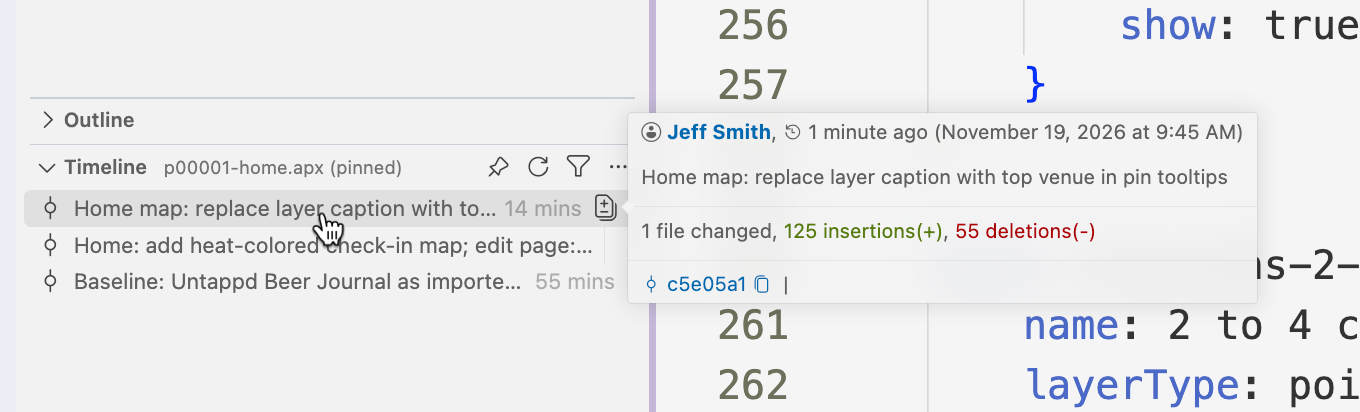
In the Files panel, in my project directory I have a list of my APEXlang and supporting files. I can see where there are changes, I can open the ‘Timeline’, and then I can hover over the commit to see what was done..
And if I click on the file itself, it opens the DIFF .
Obviously the SQL needed to change quite a bit as we’re not finding the top check-in per city vs just getting a count by city.
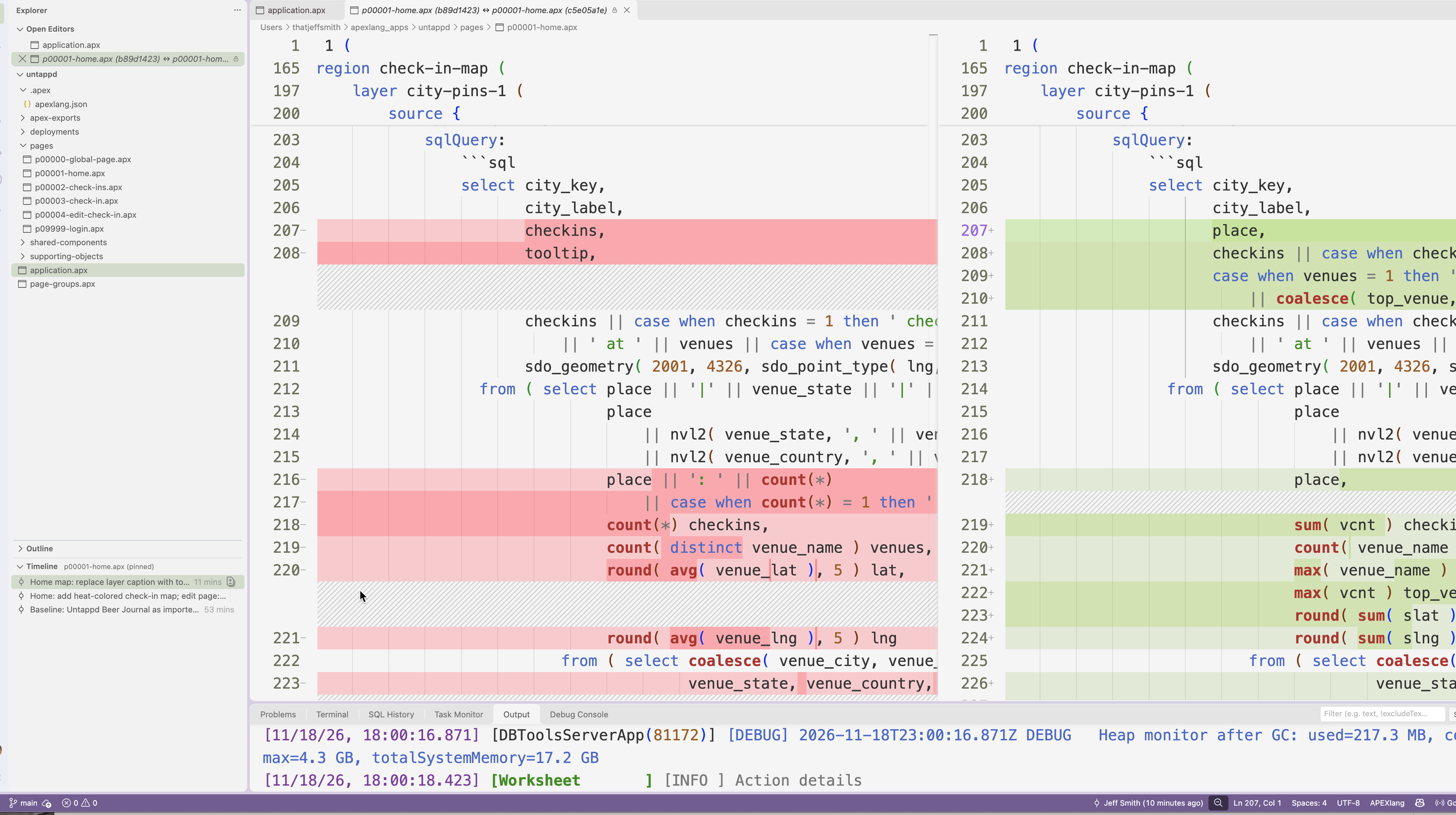
And then we also need to change the label and content definition of the pin’s tooltip.

Working with Files and an IDE vs compiling ‘straight to the database?’
This is a big topic, but if you’re going to be in this space, I HIGHLY recommend you get comfortable with Git. Gone are the days of using the web builder to update production.
Correction, Gone SHOULD be the days of using the web builder to update production. We can run local changes until we’re happy commit those branches or cherry pick to releases, and push those out to production with confidence using something like SQLcl’s project feature. This topic is big enough I just want to mention it in passing. I know this type of change is big, but Agents can now help you with Git!
Ask me how I know.