
Recently I demonstrated how you could use our SQLcl MCP context-retrieval tool to enable a RAG workflow for your agents with EXISTING vectorized data (blog).
In that demo I set up my VecDB table, and had my agent generate some strings, which were vectorized. Via an annotation, that table was then marked as ‘available’ when an agent made a MCP Tool call looking for related information. I then did some simple searches and showed how the similar data could be rertrieved to your agent – augmenting your agent’s prompt with relevant context.
But.
SQLcl can make this even easier.
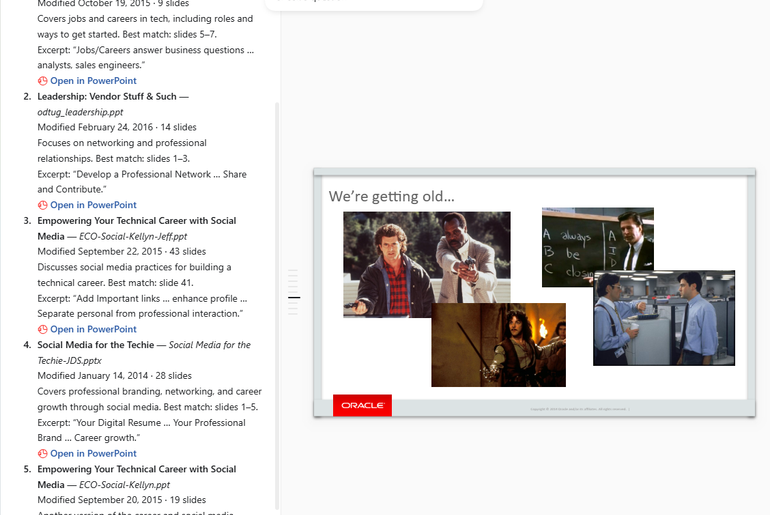
Let’s say you have a folder of unstructured data. Let’s say that folder has your powerpoint presentations in it. And it sure would be nice if your agent could help you answer some questions based on the data in those powerpoints.
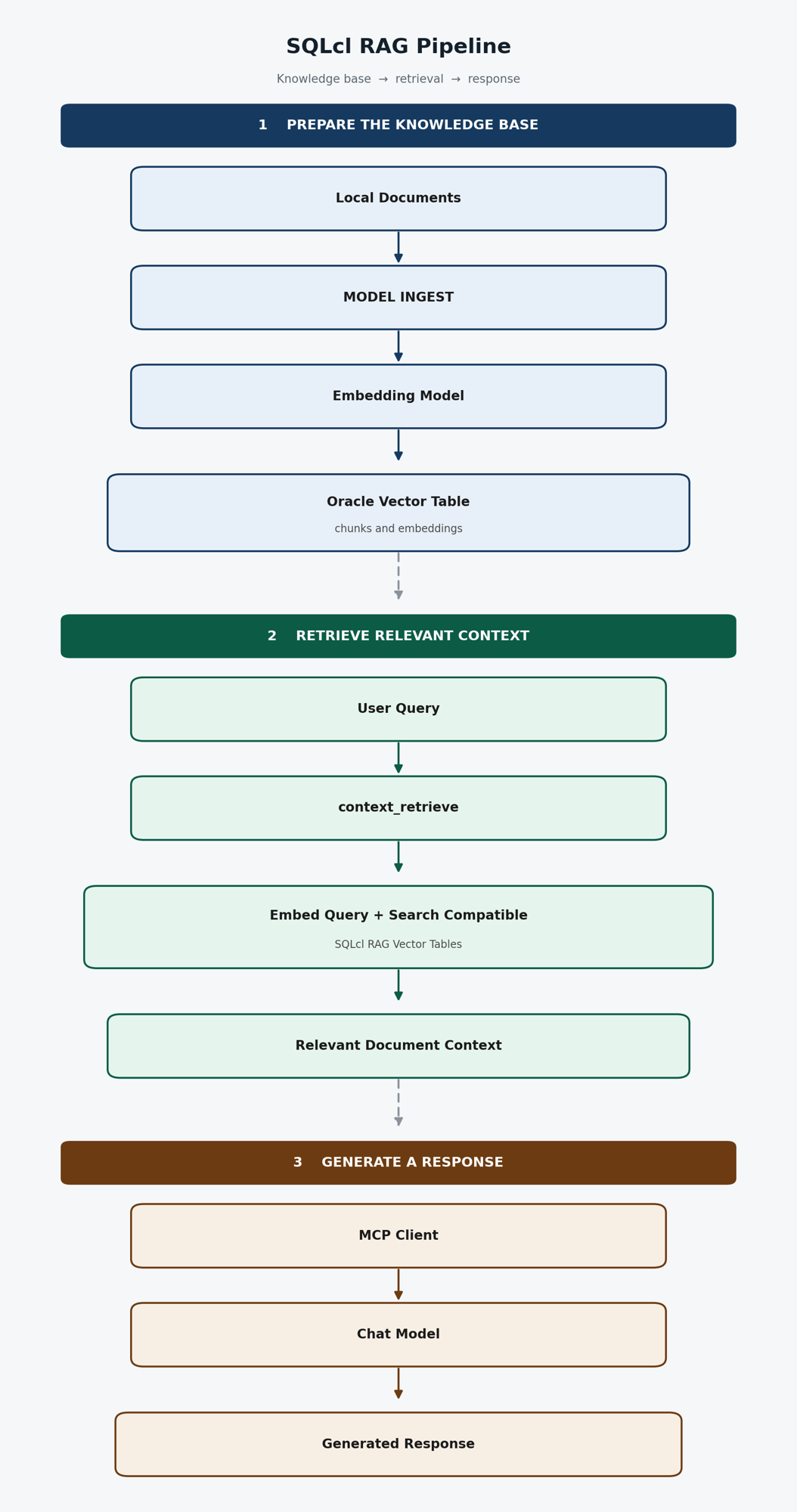
Through its integration with OCI Generative AI, SQLcl has access to:
- embedding models – used for document ingestion and semantic retrieval
In other words, SQLcl can ingest your documents, chunk them up into smaller pieces, vectorize those chunks, and load them into your VecDB table.
Once the data is there, I can start asking questions from my agent via SQLcl MCP. The question will get turned into a vector embedding that’s then used to find relevant info in our VecDB tables.
TL;DR – watch the movie!
Step 1: configure SQLcl
I have an OCI account, with available generative AI resources, namely the embedding and chat models. I simply call the Model Config commands to define these.
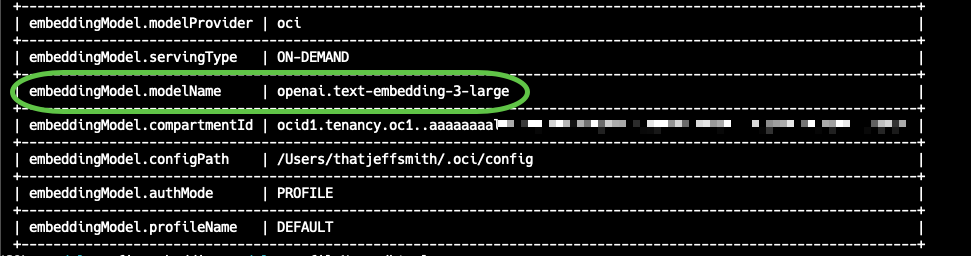
The command used was:
model config embedding-model -model-name openai.text-embedding-3-large -serving-type ON-DEMAND -compartment-id cid1.compartment.oc1..xxxx💡 This step assumes you have configured your OCI Profile in SQLcl (blog | docs).
Step 2 (Optional): Create your VecDB table
VecDB tables are bespoke tables built for doing AI Vector Search queries. They use a DBMS_VECTOR_DATABASE PL/SQL API, and you need to be on version 26ai of our Oracle AI Database.
declare
      r clob;
    begin
      r := dbms_vector_database.create_vector_table(
             name        => 'MY_PPTS_VECTORS',
             comment     => 'Jeff powerpoint decks',
             annotations => json('{
               "purpose"           : "sqlcl-rag",
               "model_fingerprint" : "openai.text-embedding-3-large",
               "vector_dimension"  : "3072"
           }'));
    end;
/The most important things here are lines
- 8 – this makes the table available for vector search queries from our MCP tool
- 9 – this instructs whoever needs to know how the embeddings were generated – kind of important if you’re going to do a vector similarity search
- 10 – 3072 is the output size of text-embedding-3-large, and it HAS to match the model
Why is this step, optional? If you specify a table that does not exist in step 3, we will create the table for you!
Step 3: Process the docs, load up the data
It’s a very simple command.
SQL> model ingest -path /Users/thatjeffsmith/Documents/ingest-docs -table MY_PPTS_VECTORS -verboseI have 2 powerpoint files in that directory. Let’s see what happens –
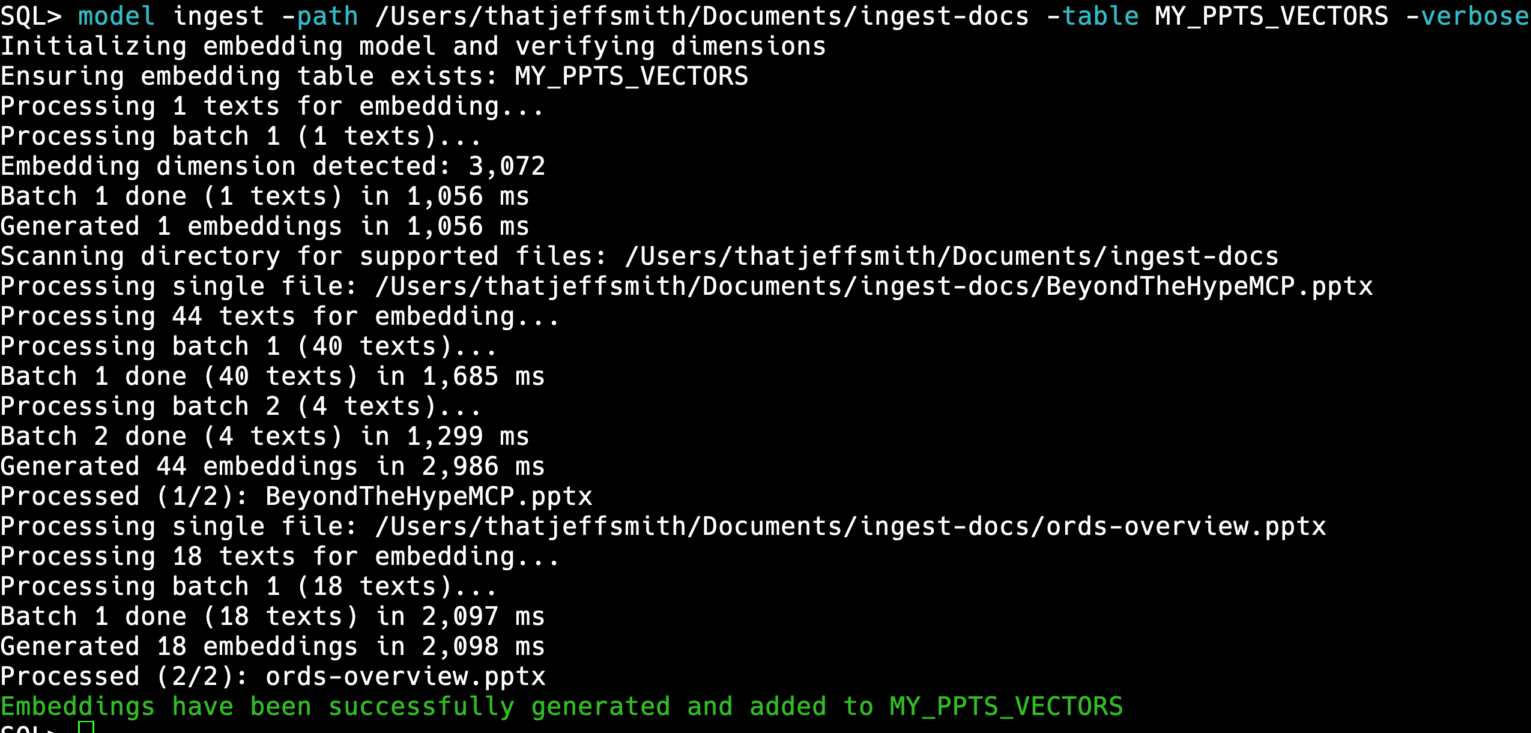
It’s scanning the directory for supported files. What files are supported? Per our docs, that’s currently PDF, DOC, DOCX, XLS, XLSX, PPT, PPTX, TXT, and Markdown (docs).
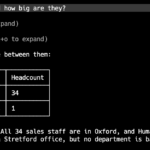
We can see it uploaded … 44 + 18 embeddings, which comes out to 62. And if I browse my table I can see

If we delve into one of those records, we can see where all the juicy stuff is stored, CONTENT_METADATA. Obviously the DENSE_VECTOR is also extremely important, but unless I’m doing maths, I won’t be looking at those.

Step 4: Ask questions
I’m going to prep my agent with the following prompt:
using my sqlcl mcp, grab a connection to my vector database, then use my retrieve context tool to help me find some information
Let me know when you’re ready for me to submit some search strings
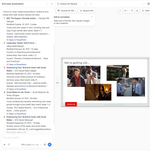
One of the PowerPoint files I loaded was a variation of this –
Now I can use my AI Agent and LLM to go find information in that deck, that’s more or less indexed via my VecDB table(s) in my Oracle AI Database.
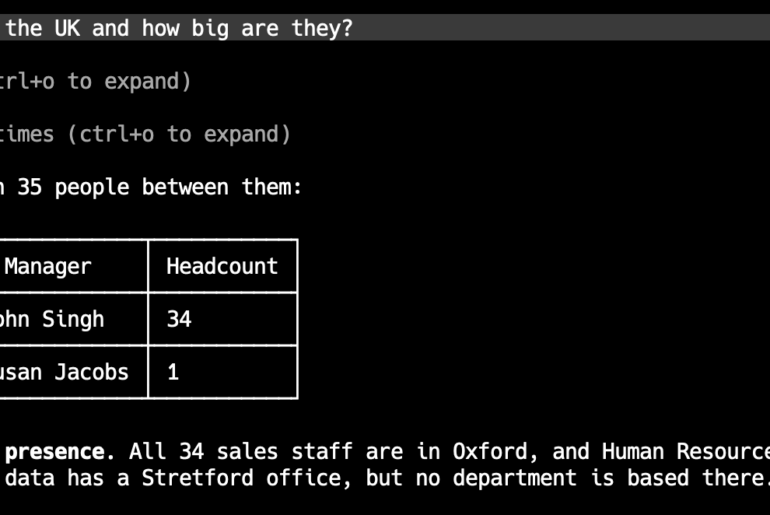
Like, how about some MCP tips or advice?

The tool response is a concatenated list of the matches found in our VecDB table, which my agent’s LLM can then use to scrape together an actual answer.
We’re currently limiting each table to a max of 7 results, with a minimum similarity score of 0.7.
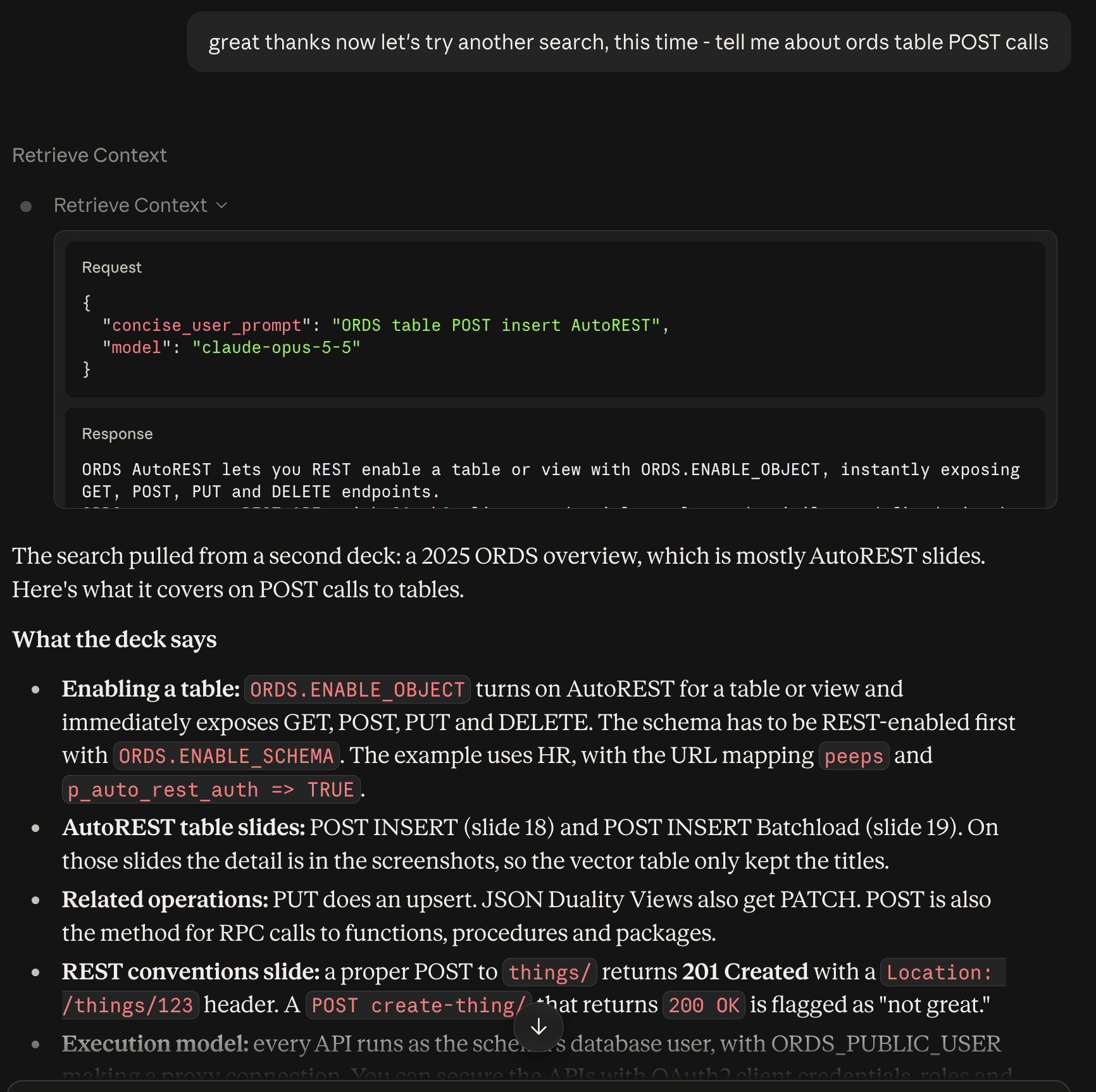
Let’s try one more query, on ORDS
great thanks now let’s try another search, this time – tell me about ords table POST calls
About those PowerPoint files
They are not actually stored in the database, or won’t be if I don’t put them there specifically. The model ingest command only stores the chunked text and their vector embeddings into the VecDB table.
I could choose to load those as BLOBs and serve them back to agents if I wanted to.
Bonus: Oracle is contributing to LangChain4j
We’re using LangChain’s java toolkit to extract the content from the unstructured files to create the token-chunks, with some overlap, and a file hash – to make sure the document will be unique before storing it in our VecDB tables.
This means that our database and the DBMS_VECTOR_DATABASE PL/SQL APIs are available as an LangChain embedding store in your Java/JVM based AI agents. You can see the details here in the Github PR.