

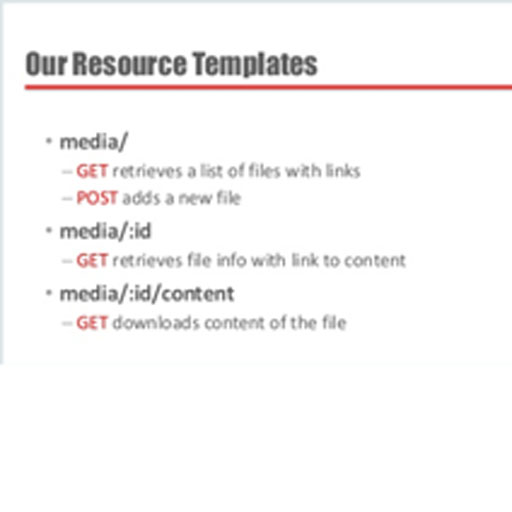
This video is a bit longer than most, but I’ll show you how to deploy a web service to: get a list of files from a table – stored as BLOBsget individual file detailsdownload/render the file using the mime typeupload a filegenerate LINKs in your {json} responsesset the HTTP Status Codes for your responses The Video Skip the Intro, Go Straight to the Demo. The Slides Build a Web Service to Up and Download Files…
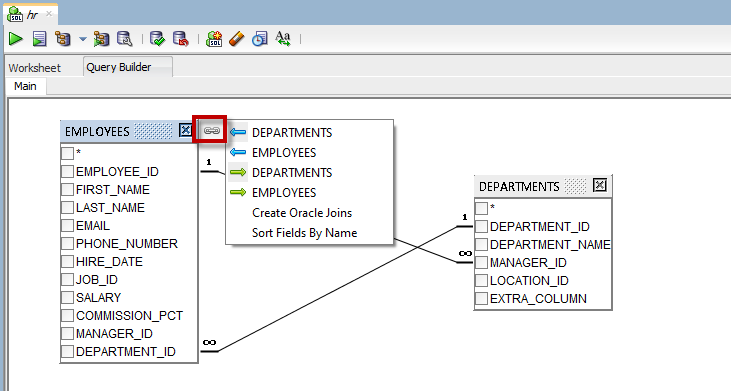
One of the improvements for version 18.3 was a much improved, performant query builder. Of course, not all things are free. Or in fact, nothing is free. So who paid for these performance gains? We disabled one of its primary features. But first, let’s take a step a back and explain the scenario. How it Was, Pre 18.3 The query builder would allow you to reverse engineer a query in a worksheet to a visual…
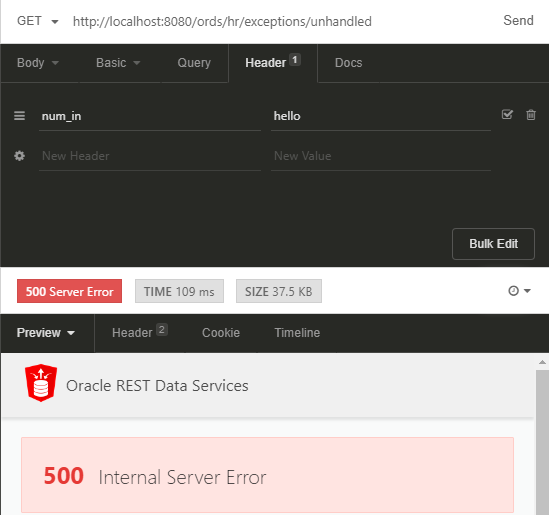
This topic is so epic, it has a part two, deeper look (more examples, mostly.. In my Oracle REST Services Demos I always show things working exactly as planned. But what happens when your user does something your program doesn’t expect? Or what happens when you code does something you don’t expect? In the web (HTTP) world, you get a 500. 10.5.1 500 Internal Server ErrorThe server encountered an unexpected condition which prevented it from…
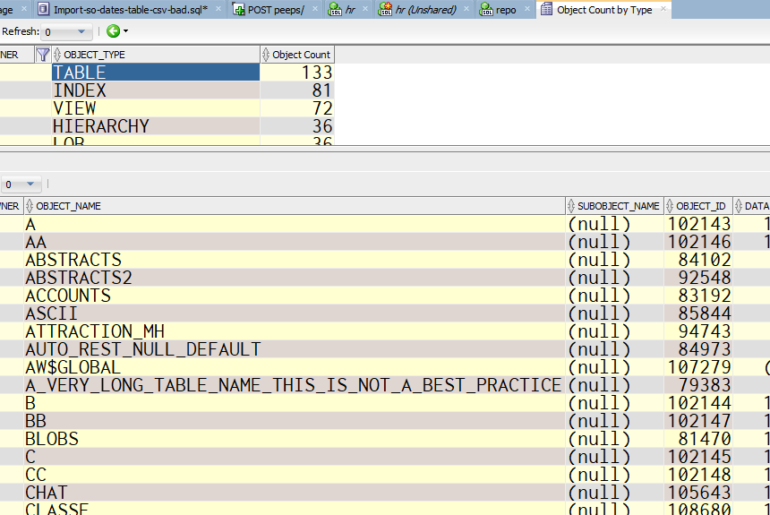
Today’s question: I am looking for a way to list out all and count all objects by all schema, any idea? So the connection tree is nice in that it makes it easy to see specific types of objects by schema – but if you want a FLAT view of a schema, it’s not so great. Ok, so what’s a SQL Developer user to do? Try our Data Dictionary Reports The Reports panel is there,…
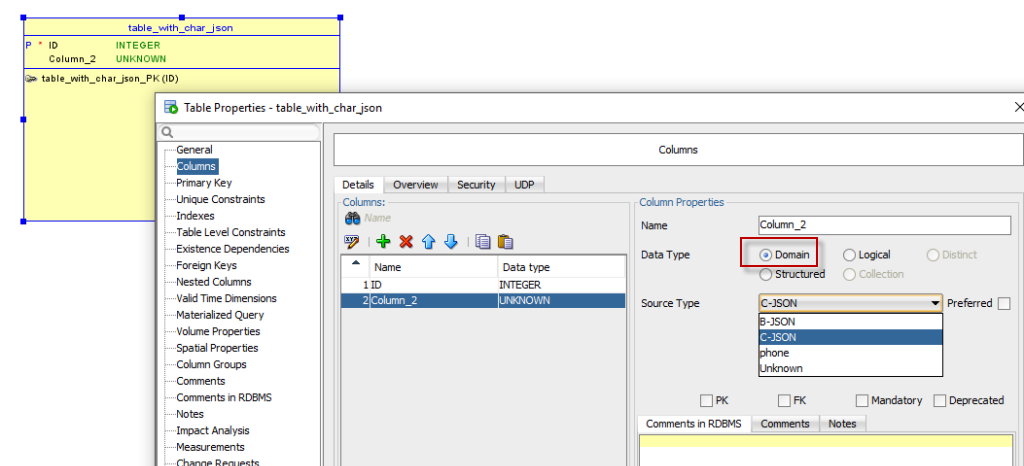
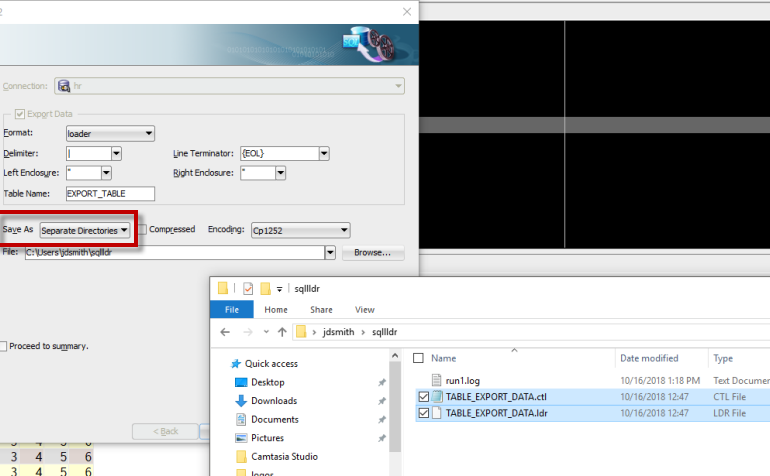
Someone asked on StackOverflow how to get loading a 1,000,000 records to be faster in SQL Developer. My answer was basically, don’t use SQL Developer to load 1,000,000 records, use SQL*Loader. Now, I also reminded folks that you can USE SQL Developer to build your SQL*Loader scenario. There’s 2 ways actually: Query existing records, export to Loader (Keep Reading this post!) Point to a CSV, and use the Import Data Wizard But Wait, What is…
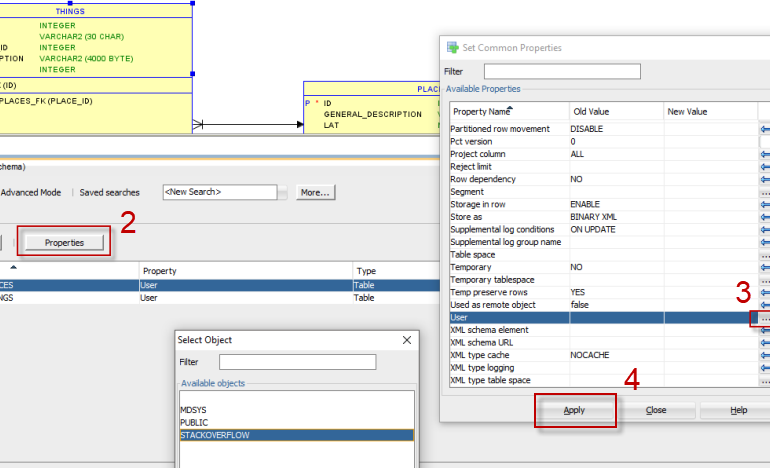
Was helping someone on Stackoverflow this morning, and thought you might enjoy seeing this process as well. PROBLEM: You’ve created a schema script, you’ve generated the DDL, and you ran it on your brand-spankin’ new database. Except. Except, you ran that script as SYS, and your schema scripts didn’t have a SCHEMA defined. So you’ve corrupted your SYS schema!!! How to fix that (FLASHBACK!) is a different post. This post is about how to assign…
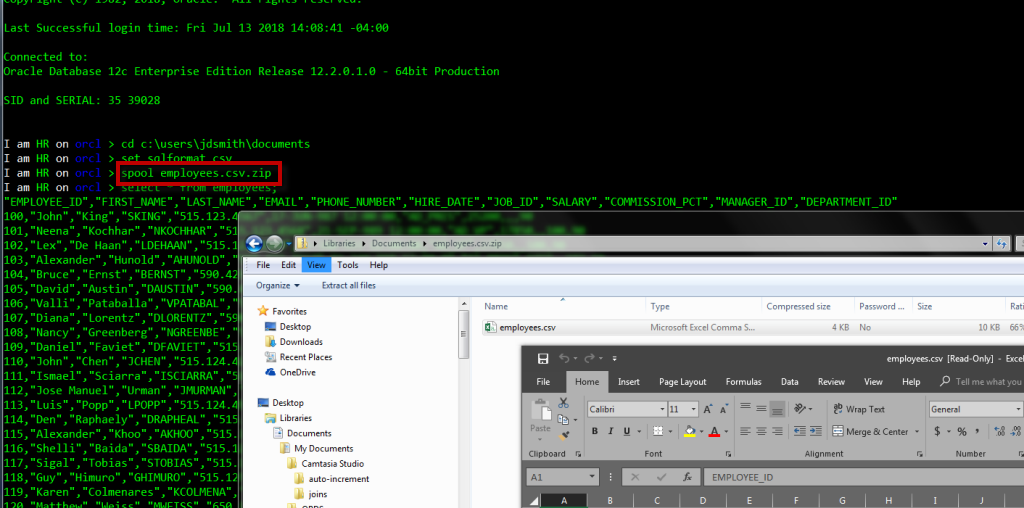
Why would I use SQLcl over something else? History recap: we introduced a new command-line interface for the Oracle Database in 2016. It’s everything you like about SQL*Plus, and everything you didn’t like about SQL*Plus – fixed. Do you have a minute? Watch this, then take 10 seconds to consider how YOU might use it. Everyday Things, Easier Just in 50 seconds I showed you: Object completion In-line editing Automatic SQL Formatting (pretty and CSV)…
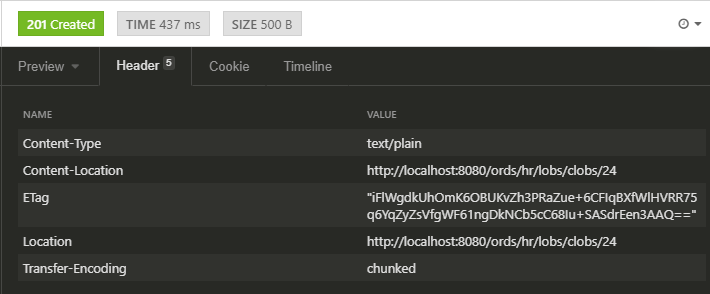
The forwarding bit isn’t a new feature, but we have introduced new ORDS response header variables in version 18.3 of ORDS.You can now also read in the body of your request as a CLOB vs a BLOB. This post shows how to take advantage of both features. The only thing ‘new’ here is the name of this ORDS parameter. From the early days of the Oracle Application Express Listener, we always had X-APEX-STATUS-CODE and X-APEX-FORWARD.…
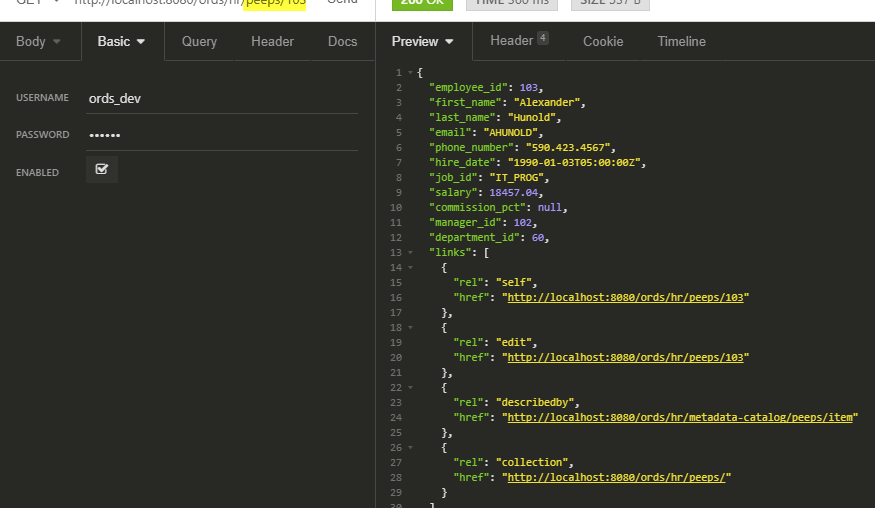
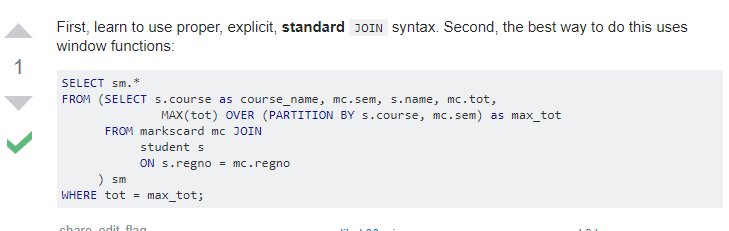
Stumbling around on StackOverflow this morning, I came across this person’s HOMEWORK question, and the answer chided them on not using ANSI style JOINs. I’m not going to post the actual SQL here, but if you follow the previous link, it’s there for you to grab and have a go. Something I like to do is take REAL code off the innerwebs and use it to test our parser, formatter, and even the Query Builder.…
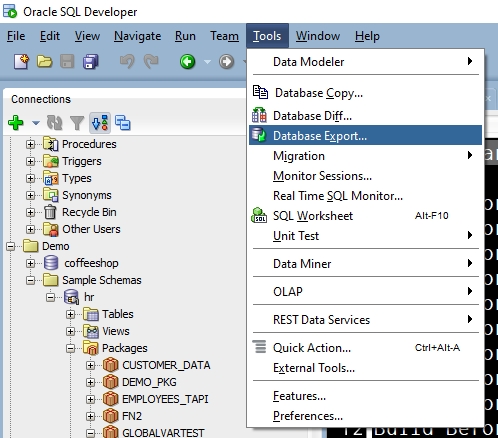
The question: We have big database with a lot of stuff and I want to use version control (Git) to manage changes. There are a lot of articles how to do it step by step but one piece is missing for me. Is there standard or recommended way for file structure of whole database (data excluded) and how it can be obtained from existing database? So I’m not sure about standard or recommended, but we…