

SQL Developer Extension for VS Code in the MSFT Marketplace
You have lots of things in your database.
Navigating the Connection trees can be, hard. Especially as the day or week goes longer, eye strain increases.
Let the tool, work FOR YOU.
But in this case, VS Code is hiding cool stuff from you.
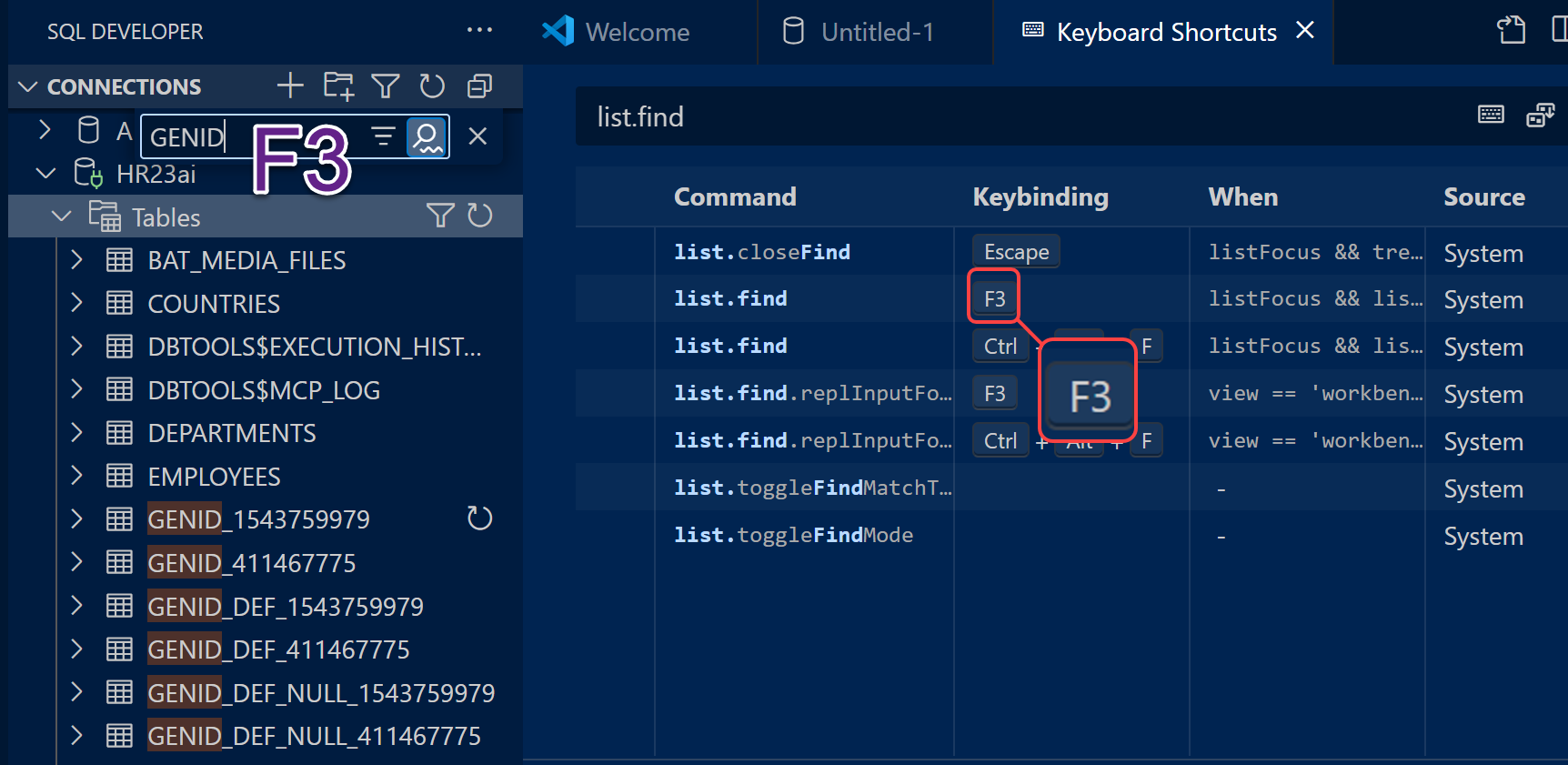
You would think that see this list of things, that you could hit ‘ctrl+F’ to do a search, right? Turns out that used to be the kb shortcut, but MSFT changed it.

Look for ‘list.find’ in your VS Code Keyboard Shortcuts
It turns out, the default on Windows is ‘F3.’ Now you can quickly find what you’re looking for.
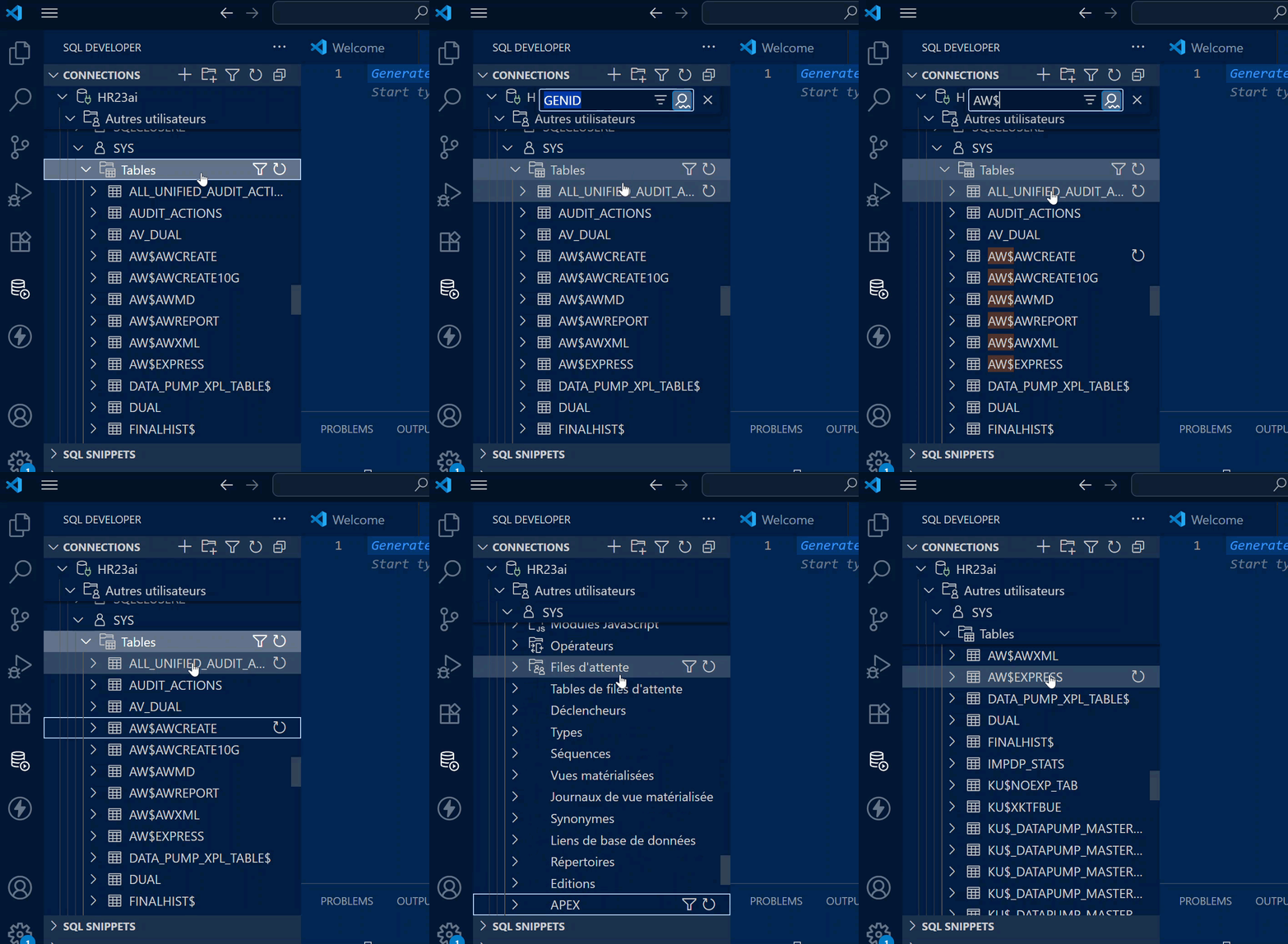
And, these lists are KB navigable.
So I can ‘type’ my way to the table I want.



2 Comments
Hi, is there feature like the “popup describe” feature in SQL Developer in SQL Developer for VS Code?
Great tip – very useful!
Thanks 🙂