

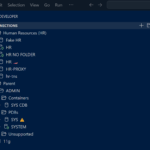
By far the #1 request from our users has been to add support for using folders to organize your many, many Oracle Database connections.
That’s now available in version 25.1:
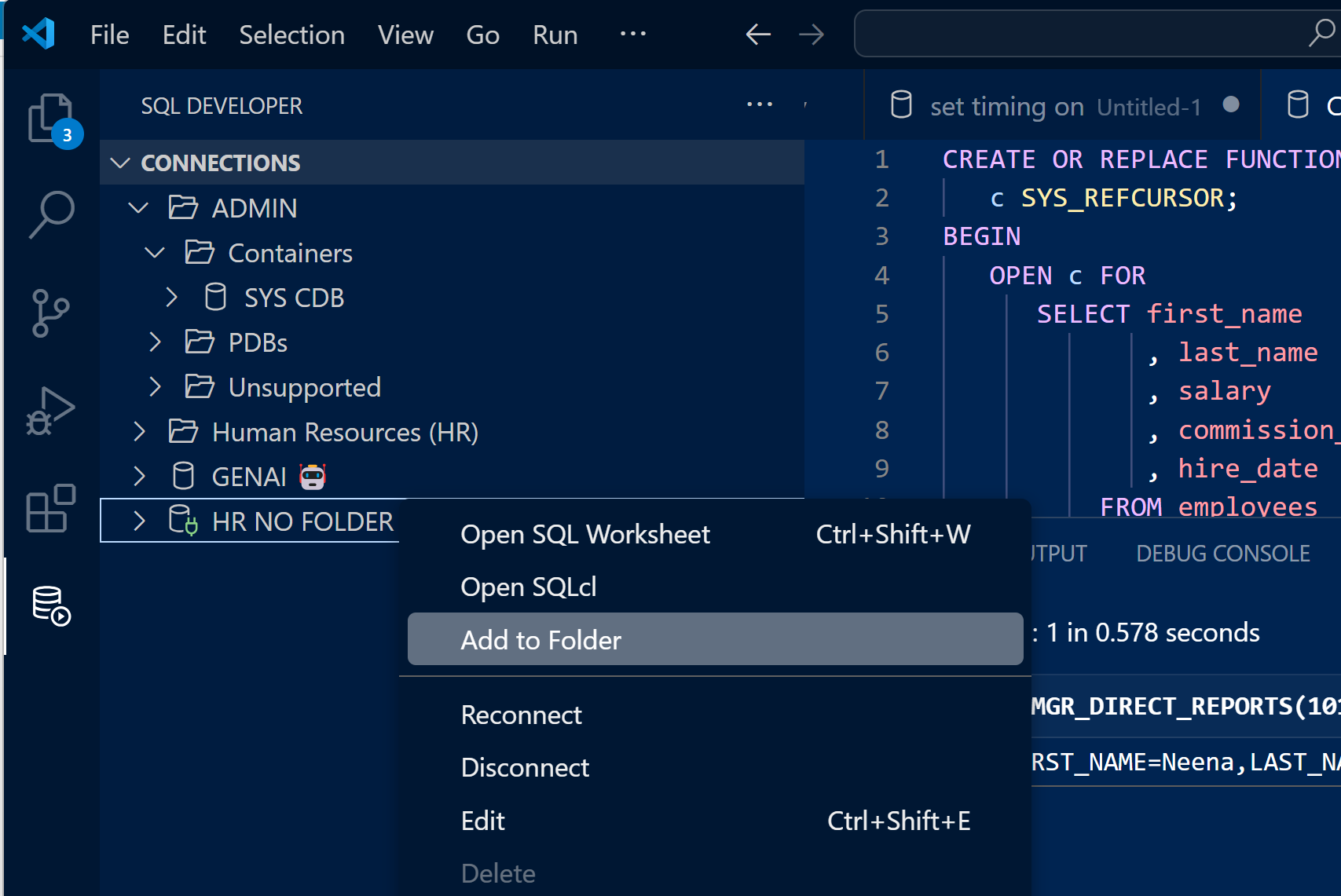
–> Connection Folders Deep-Dive <–
Of course there’s much more in this major update, and you can read the full changeLog to get an exact idea of what to look forward to.
But let’s cover some highlights! Deep dives on various topics will be covered in follow-up posts here. You’re subscribed for updates, right?
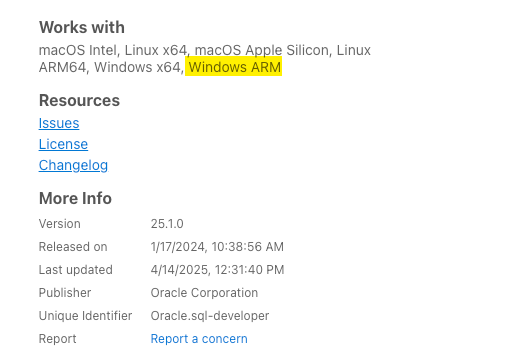
Now Available for Windows ARM machines
Not just for INTEL equipped Windows, now our ARM friends can also use SQL Developer to work with Oracle Database in VS Code.
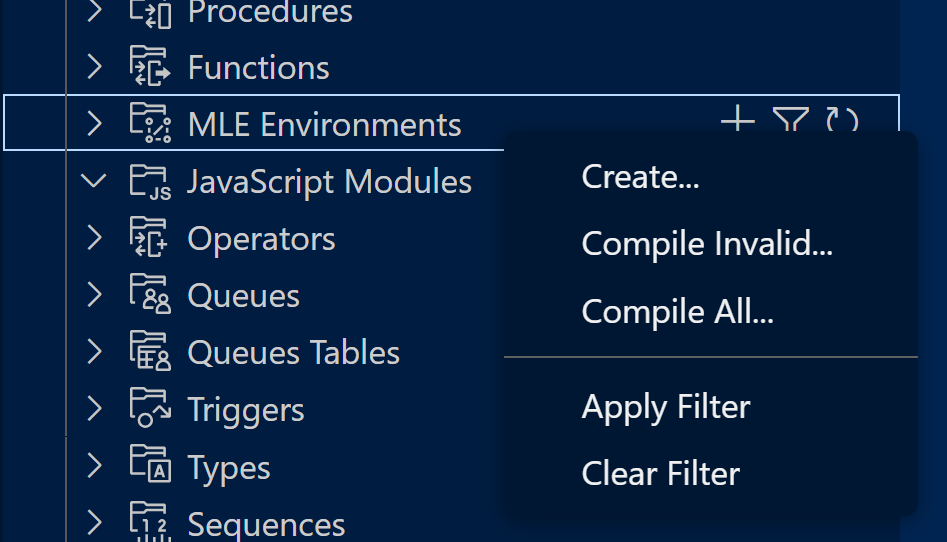
23ai MLE Environments & Modules support
JavaScript developers can now create and edit JavaScript modules and MLE environments via our Extension.
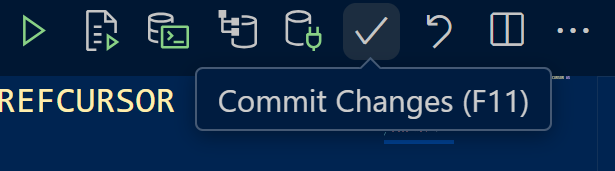
Commit & Rollback Buttons
Easy clicks now in the SQL Worksheet.
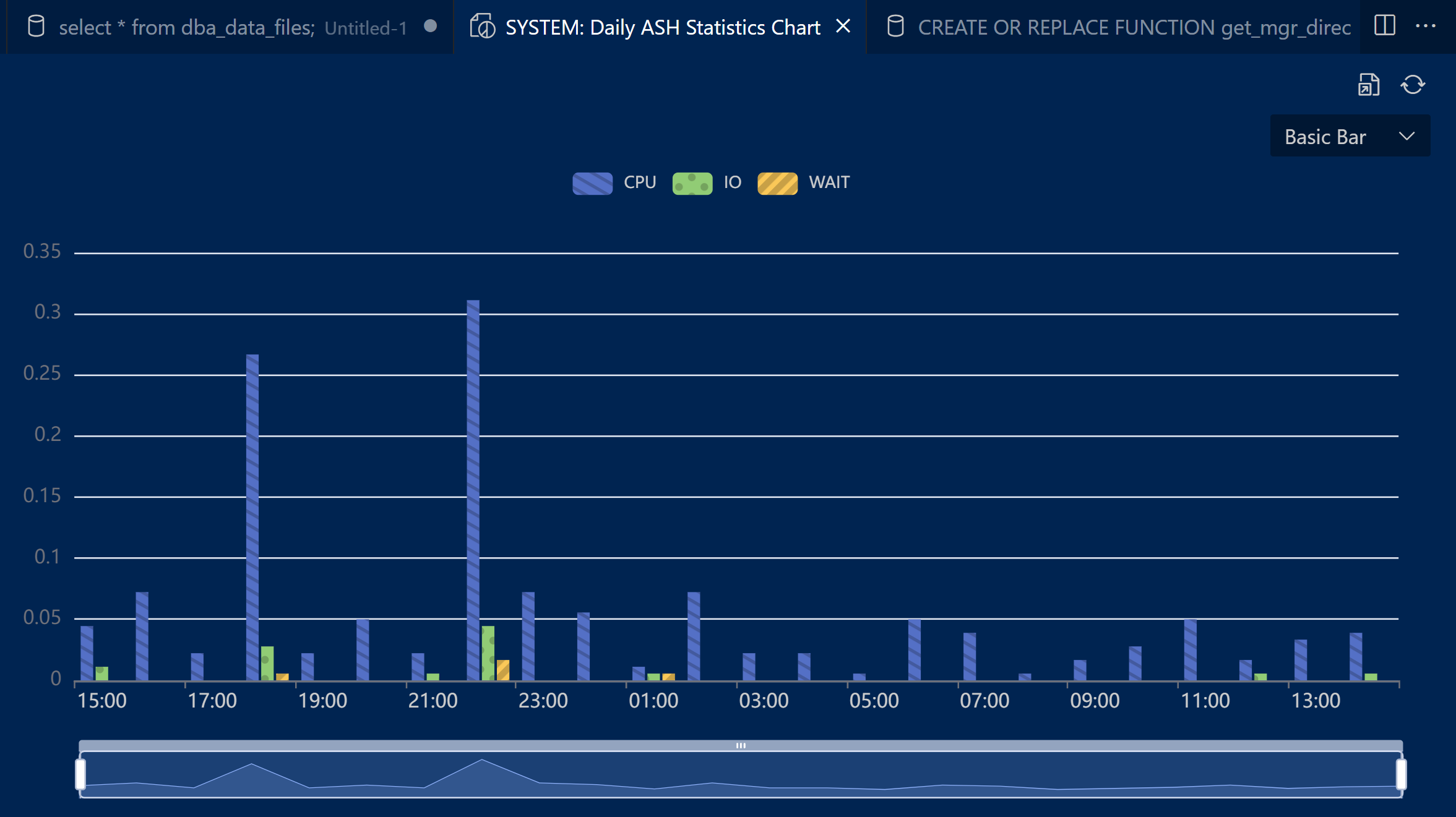
Enhanced Reports
Now include charts!
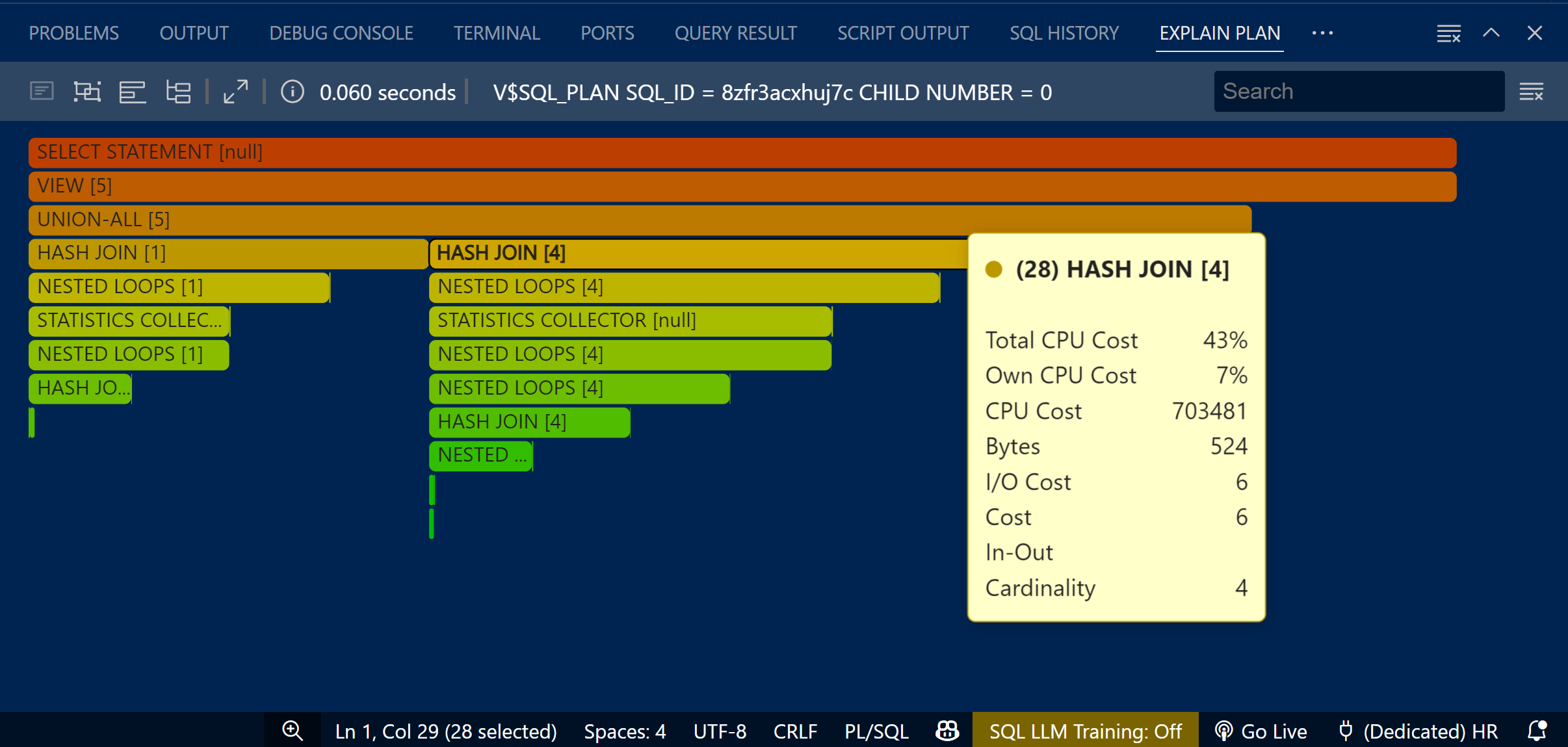
Enhanced Execution Plans
Now includes flamegraphs!
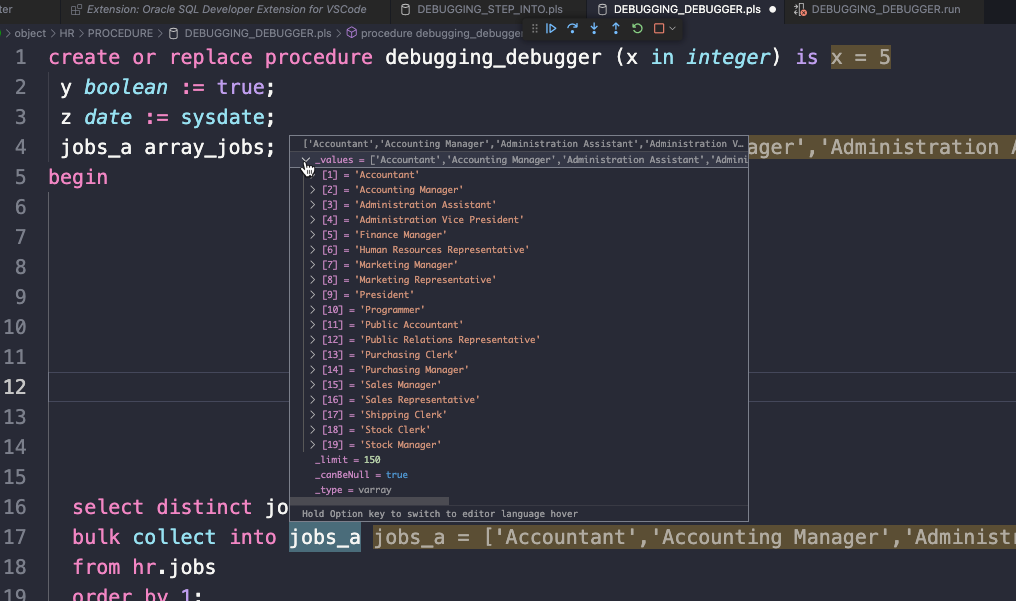
Enhanced PL/SQL Debugging
Inline viewing of your variables, vs relying on the debug panels to your left…
And of course, tons of bug fixes
Again, many of these reports came via our Forums and the Marketplace Q&A – thanks again for your feedback, it helps make the extension that much better!
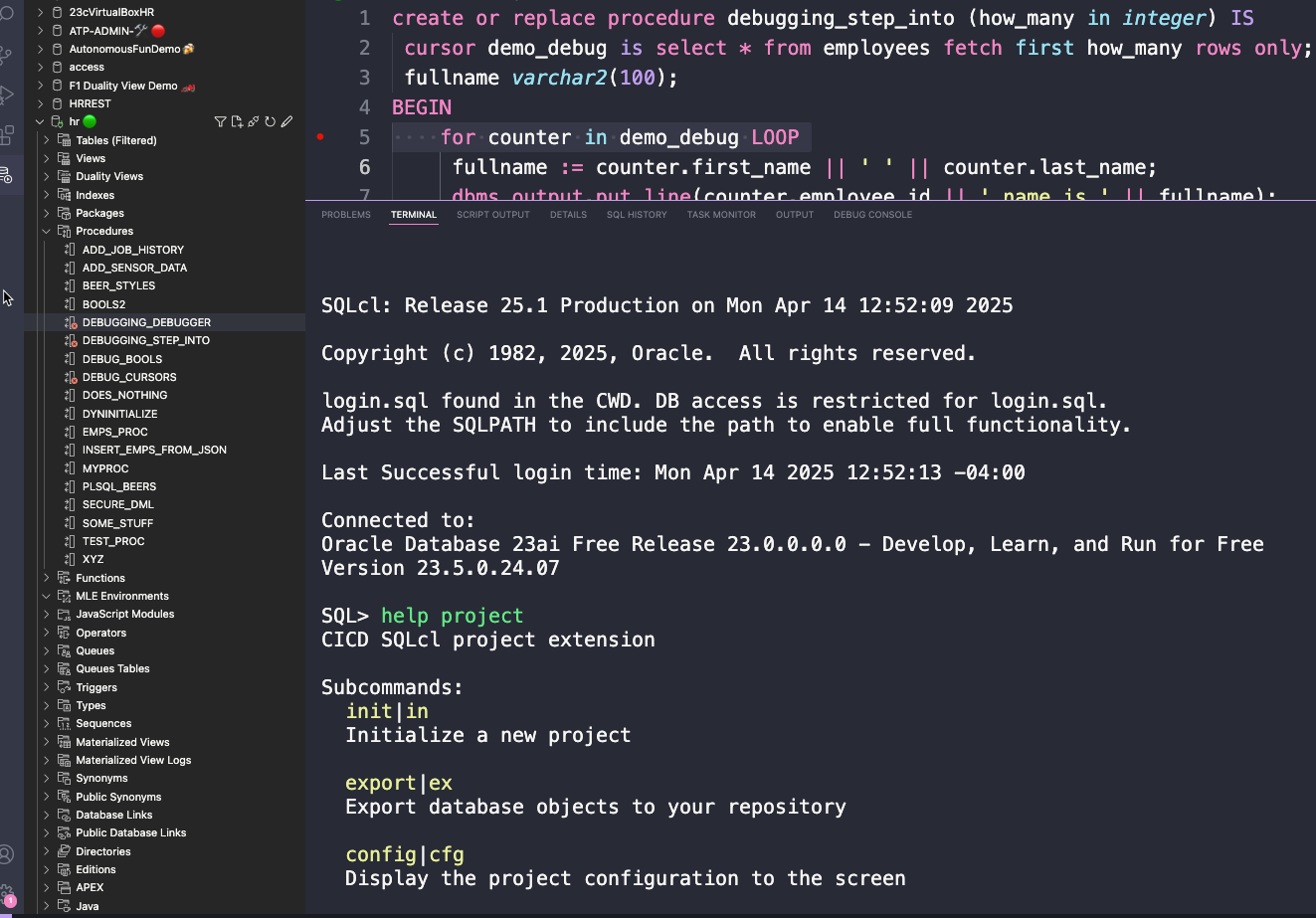
One of the big fixes is making sure ALL of the SQLcl features and commands are now available in the Terminal.
For example…the PROJECT command.





4 Comments
Hi Jeff,
I would really like to use the VS Code extension, but navigation is just a pain.
I’am a developer who don’t want to use the mouse at all. In all other VS-Code projects I can just press Ctrl+p which gives me a search popup to quickly navigate to another file in my project.
In the VS-Code extension I have ti click and scroll me throw the Connection/Object-Tree (I don’t want to mention the filter option as it is so awkward that likely nobody will use it for quick navigation.
When will we get the Ctrl+p search popup to quickly navigate to a different object in my database.
Best Regards
Rudofl
You can already use the keyboard to navigate the tree.
You can type to the object you want, in the tree.
You can search the lists (trees) as well, VS Code remapped if OFF of CtrL+F, because…don’t know. Remap list.find in Keyboard shortcuts.
You can also navigate to your objects from a code editor, using the LSP to search/open the object.
We have SQLcl for people that don’t want to use the mouse. Go full spartan-mode.
While SQL script include any Chinese character, you can not execute it.
The error is as below:
An error occurred while running the statement.
An unexpected error with the following message occurred: java.lang.NullPointerException: Cannot invoke “java.lang.CharSequence.toString()” because “text” is null.
Retry the request, if the issue persists, report it to product support
Japanese, too. We found it earlier today. Will get fixed ASAP with a 25.1.1 patch. Thanks for your report and patience, sorry for the inconvenience. You can use VS Code to downgrade to 24.4 in the meantime.