
Getting Started with our MCP Server for Oracle Database
SQL Developer

Getting Started with our MCP Server for Oracle Database

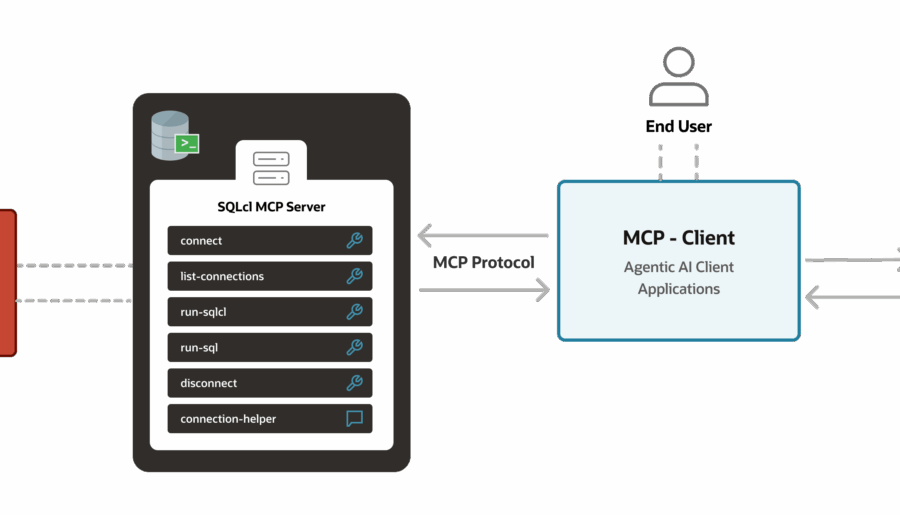
Gettings started and deep dive tour of our new MCP Server with Oracle Database! VS Code and Copilot, connect to our db, and run some queries…and more!

Read More
I’m new to Oracle, and I need a database…help!
Database Stuff

I’m new to Oracle, and I need a database…help!

Taking an Oracle Database class or course? Need to get up and going on Oracle Database really fast, and really easily? Here’s my advice!

Read More
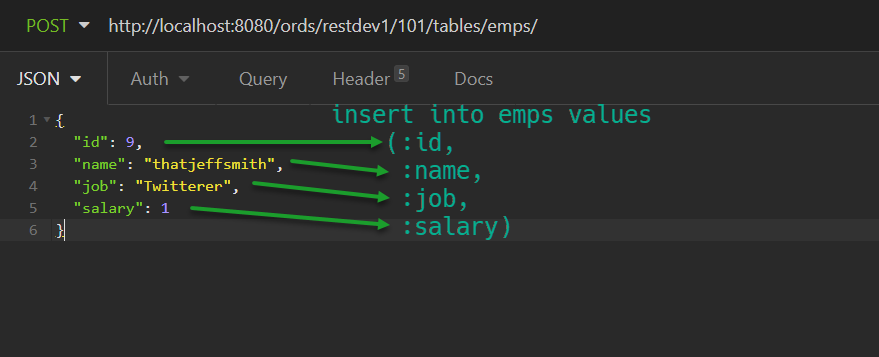
REST APIs and TABLE INSERTs: the Definitive Guide for Oracle
ORDS

REST APIs and TABLE INSERTs: the Definitive Guide for Oracle

REST APIs and TABLE INSERTs, everything you need. Bonus: we’ll build a REST API to GET the data, with support for CLOB/JSON, links, and exception handling!

Read More
SQL Developer

I’m frequently asked about books for SQL Developer. There are a few out there, with the most obvious example being from former Product Manager Sue Harper. I love books, and I’m a voracious reader. But books pose a few problems in the techie space: they are out of date the day they are printed they can be cost prohibitive – lots of pages and a small audience folks go to Google for answers now However…
SQL Developer

Yes, another ‘Top 10’ list is here! Yes, it’s lazy. But, I’m all about lazy, and just because it’s lazy and overdone, doesn’t mean it has no value. If you’re new here or if you have a hard time catching up with all of your favorite bloggers and news outlets, here are my most popular SQL Developer posts, based on traffic, of 2012: 1. How to Import from Excel to Oracle I’m not surprised this…

SQL Developer

There are many database tools out there that support Oracle database. Oracle SQL Developer just happens to be the one that is produced and shipped by the same folks that bring you the database product. Several other 3rd party tools out there allow you to have a collection of SQL statements in their editor and execute them without requiring a statement delimiter (usually a semicolon.) Let’s look at a quick example: 6454224186ac1250f48d5f_000002 In some tools,…

SQL Developer

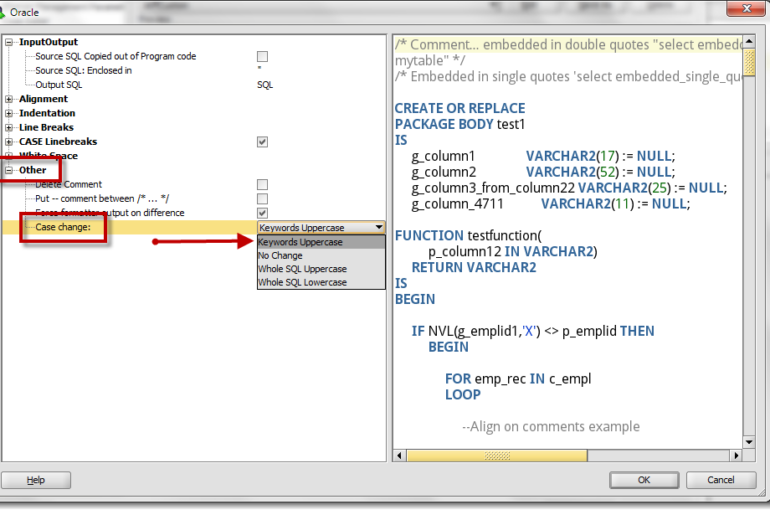
I received this question from a customer today, and it took me more than a few minutes to remember where this preference was located in SQL Developer. This tells me that the topic is ripe for blogging 🙂 How do I go FROM: 6454224186ac1250f48d5f_000003 TO 6454224186ac1250f48d5f_000004 It’s all in the formatting You need to access the formatting preferences under the Tools menu. It takes a bit of navigating to get there, so bear with me:…

SQL Developer

In yesterday’s post I talked about you could use SQL Developer’s Describe (SHIFT+F4) to open a PL/SQL Package at your cursor. If you actually try to describe the package as you see it in the above screenshot, you’ll get an error: I neglected to say in yesterday’s post that I was highlighting the package name before I hit SHIFT+F4. This works just fine, but it will work even better in our next release as we’ve…

SQL Developer

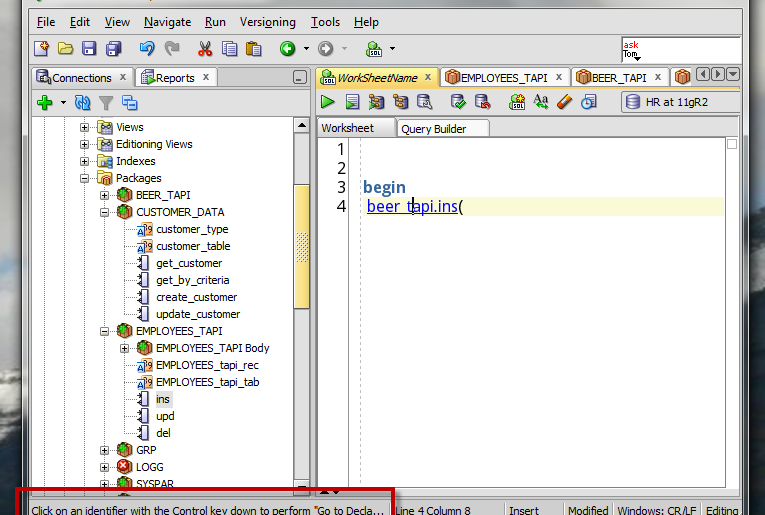
If you’re browsing your packages using the Connections panel, you have a nice tree navigator to click around your packages and your variable, procedure, and functions. But What if you drill into your PL/SQL source from the worksheet and don’t have the Tree expanded? Let’s say you’re working on your script, something like – So I need to reacquaint myself with just what my beer package requires, so I’m going to drill into it by…

SQL Developer

As you may have heard last week, we have a new version of Oracle SQL Developer Data Modeler now available as an Early Adopter release. Version 3.3 has quite a few new features and I’ll be previewing them here. Today’s topic is our new Excel integration. It builds off of last week’s lesson: Search, so you may want to go read that first. They say it takes a village to raise a child. I say…

SQL Developer

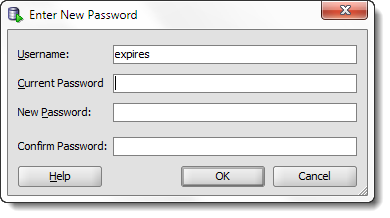
STOP. DO NOT PASS GO – if you do not have version 4.2 of SQL Developer, I suggest going and getting it. It makes this 100% easier. You can see for yourself here. But it’s basically, just right click on your connection, and use ‘Reset Password.’ That’s it. Or watch the movie. When you reset your password with the GUI, we change it in your connection properties, too! You don’t have to update your password…

SQL Developer

What keyboard shortcuts should EVERY Oracle SQL Developer user know? How do you find new shortcuts to master, and how do you change them to match ones you’ve already learned in other tools? These are the driving questions for today’s post. While some of us may be keyboard ninjas, and others are more driven to use the mouse – everyone has probably picked up a few strategic keyboard shortcuts over the years. For example, I’ve…

Expired

This is another maintenance release, but I don’t want to minimize the work done in either the 3.2.1 or the 3.2.2 editions. The two releases include more than 400 bug fixes. Version 3.2 should be rocking and rolling and good to go while we work on the next major release! You can find the downloads and bug fixes in the normal places: Download 3.2.2 Bug fixes Connection Names If you downloaded and used version 3.2.1…