There are too many options in our every day lives. We love asking for more options, but I often find myself being overwhelmed by the number of questions I have to answer before I can accomplish very mundane tasks. Do you want your latte ‘skinny’ or your cappuccino ‘wet?’ Waffle House customers are probably familiar with ‘capped, covered, smothered, & covered’ routine. Do you want a receipt with that?
So what’s the sweet spot between the Spartan-like Notepad, where we have no options, and the current lineup of Republican Presidential candidates, where we have lots of options that don’t do anything? — OK, that was a political joke, and I should refrain from doing these as I am not a comedian.
When it comes to software, you want something that pretty much works out-of-the-box. Just starting it up and using it shouldn’t require several hours of digging through options or preferences to get it to do what you want it to do. I think we’re pretty close to this with SQL Developer. I can’t think of any ‘deal breaker’ option that would put a user down the wrong road right out of the gate. Here’s an example of something I would see as ‘bad’:
Preferences – Database – Advanced – Autocommit: if this were set to ‘True’ out of the box, I would most likely freak out and remove the product immediately. But, some crazy folks out there might think this is a good idea and demand they have this level of control. These people are also probably from an evil parallel dimension where this is necessary to prevent an obnoxious level of object locking, but that’s a different story.
So most things are good out of the box. But.
What options SHOULD you be aware of?
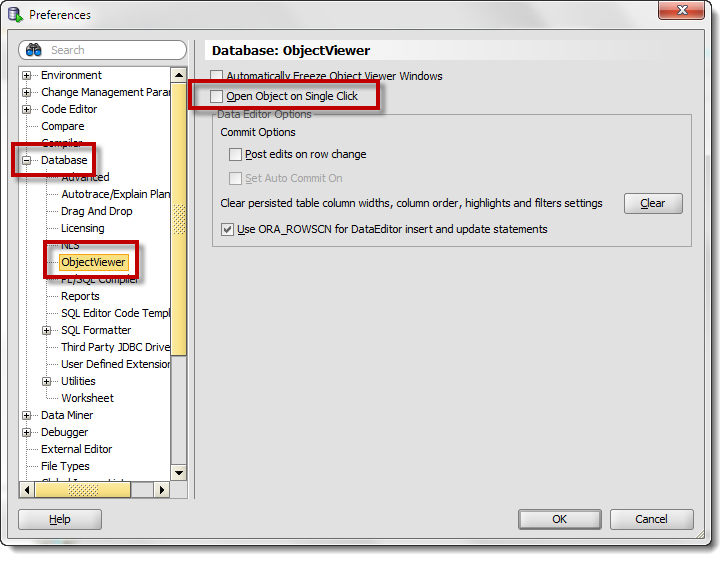
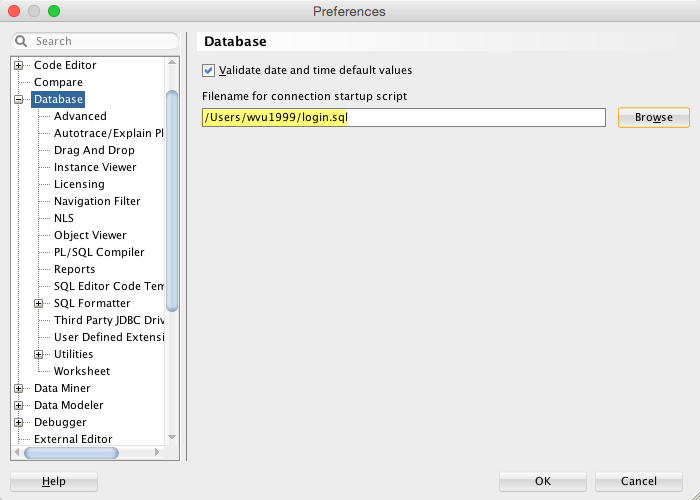
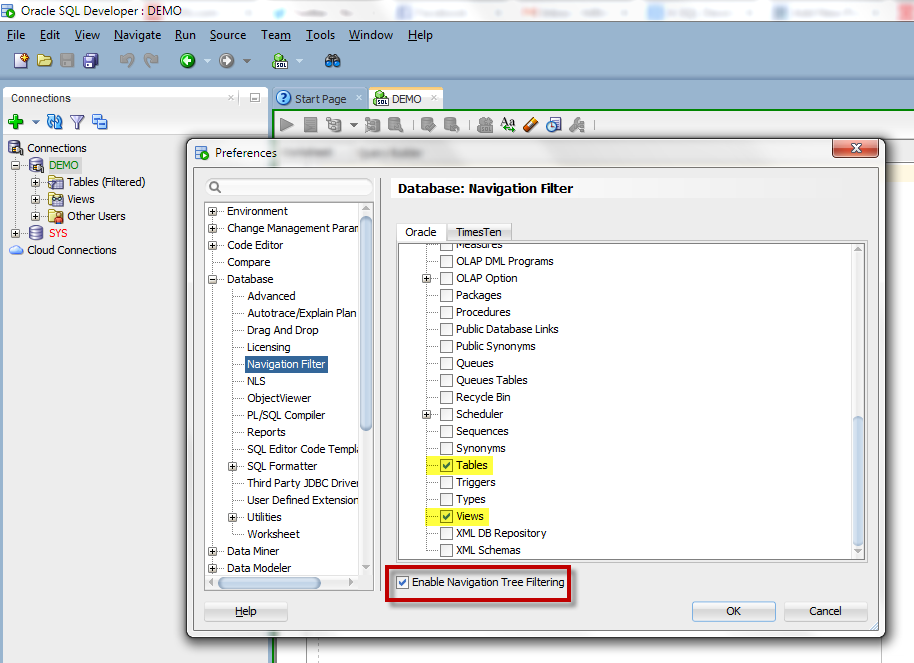
Here are ten that I think deserve your attention. If you need help navigating to any of these preferences, simply start typing their names into the search box. DO NOT HIT ENTER, this will close the preferences dialog.
Code Editor – Fonts
You’re going to be typing a LOT. Be sure to set a font that’s pleasing to the eye. I’m a fan of fixed width fonts that support Unicode. There are thousands of font out there to choose from. One to check out are the Droid fonts from Google.
Line Gutter – Show Line Numbers
Getting an error message on line ’124?’ Want to know where line 124 is without having to scroll and watch the status bar? Enabling this option will save your brain a few CPU cycles a day.
Database – Advanced – SQL Array Fetch Size
This tells SQL Developer how many rows to fetch from the database at a time. So you click on a table with 1,000,000 rows. SQL Developer does not grab all 1,000,000 at once. It will grab the first 100. And then grab another 100, and another, and another. The same is true for queries executed in the worksheet. You can set this as high as 500. You can either tax your machine memory or your network with excessive SQL*Net round trips. Mine is set at 500.
Database – Licensing
As much as we would like for everyone to be running Enterprise edition with ALL the database pack goodies, many people are running lower licensed editions of the database. You can disable the Tuning and Diagnostic Packs in SQL Developer to avoid accidentally using and licensing these features in the database. I recommend disabling the packs at the database level to protect yourself, but if that’s not possible then at least do it in SQL Developer. The nice part is you can do so at the connection level rather than neutering SQL Developer completely.
Database – Worksheet – SQL History Limit
The number of statements you want saved is defaulted to 100. I think this is probably on the low side. Bump it up to 500 if you want a few days more worth of queries in your ‘backup.’
Database – Worksheet – Show Query Results in new tabs
Wouldn’t it be nice to keep around query results from different iterations of your query as you work through it? Enabling this feature will keep your query results open as you execute new queries. Mouse over the ‘Query Result’ labels to see the SQL statement used to populate that grid. Of course the more result sets you leave open, the more memory SQL Developer will need. So be sure to close them when you’re finished.
Debugger – Start Debugging Option
Set this to ‘Step Over.’ This allows you to start and run a debug session sans breakpoints. If you leave it at the default, starting a debug session will appear to ‘not work.’ This is because SQL Developer will enter debug mode and run until it finds a breakpoint, breaking condition, or exception. If you have none, it will execute to the end of your program. The ‘Step Over’ option will tell SQL Developer to stop execution at line 1 auto-magically.
Debugger – Stack > Line
I like to see what line number I stepped from when viewing my Call Stack. Where am I now, where did I come from? If I trace out, what line will I be at?
External Editor
Spend a few minutes and setup your default editors for your JPG, XLS, XML, and PDF files. Please.
Shortcut Keys
So here’s a trick: sort by ‘Category’ and scroll down to the ‘Other’ category. I’ve found some of the best keyboard shortcuts are ‘undocumented.’ You’ll find a lot of the fun ones here. My particular favorite is ‘SQL History: Replace with Next.’ Of course if you do not like any of these shortcuts, you can customize them to your liking. Just mind the conflicts!


Twitter
RSS
GooglePlus
Facebook
Dec 27, 2011 @ 11:07:38
so how do you make a tab character actually be 2 spaces?
Dec 27, 2011 @ 11:10:11
Suck the gremlins out of your machine? That should be the default behavior.
Dec 28, 2011 @ 03:57:54
I guess it could be this:
Preferences->Sql Formatter->Oracle Formatting
Choose the profile you are working on -> Edit
Indentation->Spaces
Mar 07, 2012 @ 09:41:15
Hi Jeff,
I know you can set the default location for scripts at:
Tools > Preferences > Database > Worksheet
But what about a default for File Open (say when you first open SQL Dev)? Is there a default for that? If not, how can we control the options on the left of the File Open dialog?
Regards,
Dan
Mar 07, 2012 @ 10:52:30
It’s on our to-do list Dan. I can’t tell you if and when it will happen, but I can say that I agree with you, it’s a good idea!
There is request very similar to this on our Developer Exchange, please go vote for it! I know it says it’s targeted for v3.1, but it did not make it this time around.
Mar 09, 2012 @ 17:36:48
We would like to capture inofmation like who, when and why a user connected to a database in production using SQL developer, so i was wondering if is it possible to customize the “Connect” option to prompt the user to enter the “Why” information at the instance when he/she connects to a database? I know “When” and “Who” can be captured behins the scenes via monitoring but we are also intersted to see if there is a capability to put additional information such as “Why” within the connect option in the SD interface.
Tx
Mar 14, 2012 @ 09:28:08
Thanks for such a great question! It’s inspired me to write today’s post!
Jul 23, 2012 @ 02:51:08
Jeff, I have a couple of issues. I need to take an SQL certification course so I decided to do the following:
1. Download (to my personal PC) the free SQL Developer 3.1 (SD), the JTDS file 1.2, the free download of Oracle Express 11G.
2. Initially all seemed fine, but I could not enter and save all the recommended default values for create a new (hr) database(DB) connection. So in my smart mind I thought maybe I need Oracle loaded to my machine. Although all documentation I read did not specifically say I did need it.
3. Downloaded 11g Express and it had it’s own set of problems (I’ve captured the problem in a screen image.
4. So now I am still no closer to running SQL queries so I can finish up my developer exam so I can get certified and I am running out of time.
Oh That Jeff, can you help ? I have read many documentation areas and brought it up to the SD developer forum who are really great by the way. My real consternation is do I need Oracle in order to add new connection values for the DB called HR ? And the forum user are familiar but I have received basically the answers I’ve found from reading and the recommended default values are not giving me the correct results. Which is just be able to create a new hr db connection with the recommended default values. Plus the Oracle 11g appeared to have an issue ……Help plz ??????????????? M
Jul 23, 2012 @ 20:21:40
Oracle Express 11G will have everything you need to run queries. You say you have a screen image showing problems with your install? Where is that?
Once you get it running on your machine you can connect via SQL*Plus or SQL Developer.
Aug 13, 2012 @ 12:10:44
In the PL/SQL debugger, is it possible to list the member procedures/functions of a package in alphabetical order to make it easier to find the one you want to run? I can’t find an option for that anywhere.
Aug 13, 2012 @ 12:47:01
Not today Chris, but I just added it to ‘the list,’ so stay tuned!
For now you can use the kb to navigate the Target list. If my package has 10 procedures, I can type through the list.
Jan 19, 2013 @ 18:41:44
Great stuff. Thanks for educating us. Lovin the Preferences feature.
. However I would include individual preferences names in the search scope . e.g. tro change SQL Worksheet font you type “Font”. However to change “SQL History Limit” a user should type “Worksheet” or “SQL Array Size” => “Advanced”. IMHO: it a bit confusing and makes the preferences search a bit more difficult. If I would be able to change “SQL Array Size” typing “SQL Array” or “Array Size” it would be even more coooler
Few comments from my side:
-a- It wasn’t too intuitive for me personally that if you change some option and press “Esc” button the changes are not saved (especially if you do multiple changes). I wonder if the behavior is the same in chrome or other leading GUI. I would at least introduce a warning stating that if I would like to save changes I should press Enter instead of Escape at the time I press Esc button
-b- Preferences auto search functionality is great (reminds Chrome preferences page
Let me know if the enhancement requests already exists for the 2 suggestions above or should I file a new once. If those exists I am happy to add my vote there
Keep up the good job you are doing man.
Mar 27, 2013 @ 08:56:50
How to view the single row size in oracle using sql developer
Mar 27, 2013 @ 09:13:11
Do you mean, how can you determine how much data is stored in a given row?
Mar 28, 2013 @ 13:23:59
Hi Jeff!
Imagine that i have configured all my preferences in my SQL developer, and now i want to put the same preferences in my co-workers laptops. Is there any way to export my preferences and load it in their’s SQL developer? Or i really need to remake all the steps that i have made in my SQL Developer?
Thanks in advance!
Mar 28, 2013 @ 13:27:14
I would copy the preferences.XML file over to your co-worker’s machines. Just make sure your copy of SQLDev is closed when you copy the file and their copies of SQLDev are closed when you paste.
Apr 20, 2013 @ 05:37:35
Wow this post really helped to improve sql dev
Thanks
May 20, 2013 @ 19:06:57
Jeff,
How do i control look and feel for the results window?
Thanks
Avinaash
May 21, 2013 @ 09:06:33
You have 3 things for results windows and grids in general that you can tweak:
The checkerboard preference is on the Database > Worksheet page in Tools > Preferences. The font settings are in Code Editor > Fonts, also in preferences.