

Are you smarter than the optimizer? Are you hiding critical information from it? Perhaps your stats are missing, stale, or a bit misleading? I don’t want to get into whether hints are good or bad – they can only be used to accomplish good or bad things. They are often absused – so please don’t take this post as carte blanche to go crazy with hints. But. What if you could easily tell the Optimizer…
I made some small, but important changes to my SQL Developer Tips & Tricks slide deck. changed up the order – the first two tricks ARE THE MOST IMPORTANT now optimized for SlideShare – hopefully easier to consume in case I’m not there to narrate/live demo added a few teasers for SQLcl I really, really need about 90 minutes to do this session ‘proper’ in the real world. But, it will only take you a…
Someone asked: @thatjeffsmith Great blog! Is there a way to display DB Doc in SQL Developer like in Java IDEs with Java doc while being in Code editor?— Sebastian Köll (@s_koell) December 1, 2016 And here’s the answer – Yes! First, let’s talk about PLDoc, and how it works in SQL Developer. All caught up? Great. Now let’s show you how to preview your fancy code doc before you go to generate the HTML. Put…
I said there were 8 ways to avoid using SELECT * FROM queries in SQL Developer – but I didn’t actually count them. So let’s do that now. @MarkusHohloch @tobias_arnhold there's about 8 ways to get columns to your query— OracleSQLDeveloper (@OracleSQLDev) November 23, 2016 But wait, what’s wrong with SELECT * FROM queries? you don’t need all the columns columns can change columns can be added columns can be removed At some point, your…
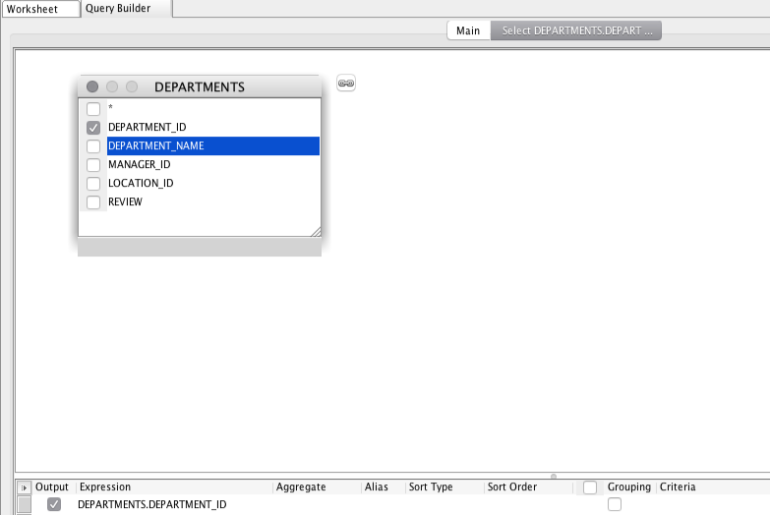
You want to write a query. You want to use a subquery in that query. You don’t want to type so much. What to do? Enter the Query Builder. It’s been part of your worksheet for years. Click on it. Drag a table into it. But I don’t want to see the department_id in the output of my query, so uncheck it in the ‘Output’ column down below. Now right click in its corresponding Criteria…
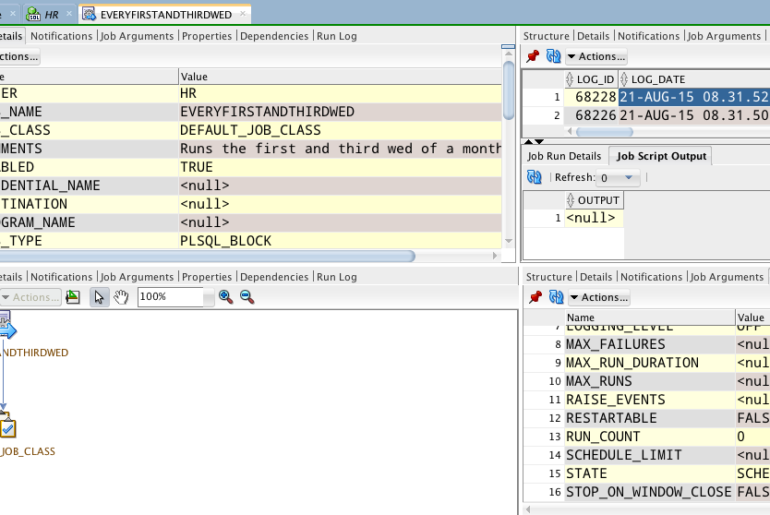
I had the privilege of spending a few days in Argentina and Brazil last week presenting on all things SQL Developer. It turns out, they enjoy the very same tricks that folks everywhere else do – especially the split editors and multiple tab groups. Here’s what I’m talking about. This works for tables too! So that’s cool. Now let’s show you how to view multiple files/objects/documents/windows at once. So, you can use this trick to…
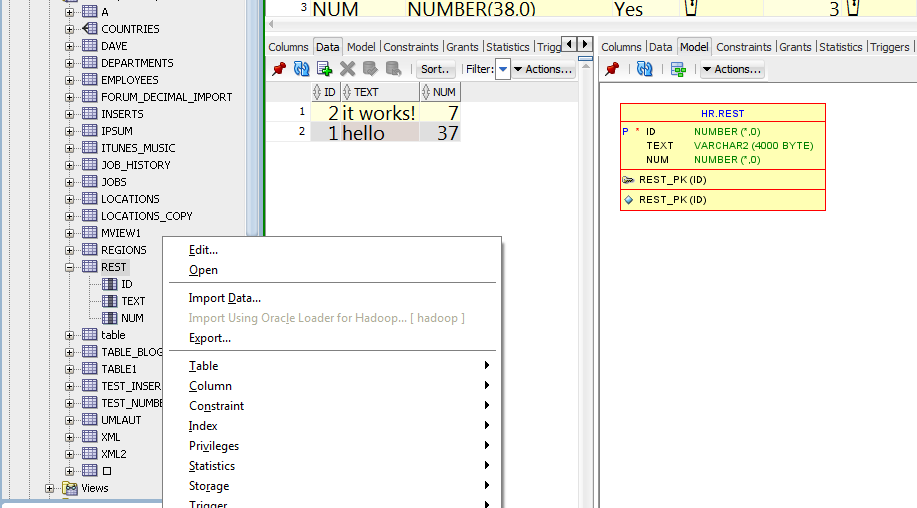
So version v4.2 has been out for Early Adopter testing and feedback since September. We’re still doing work on those new features and improvments, and will also be adding additional features and tweaks in a 2nd Early Adopter update, stay tuned. We’re of course also fixing bugs! You still have time to make a positive impact on v4.2 – so please share your 2 or even 3 cents. Based on feedback, some tweaks to look…
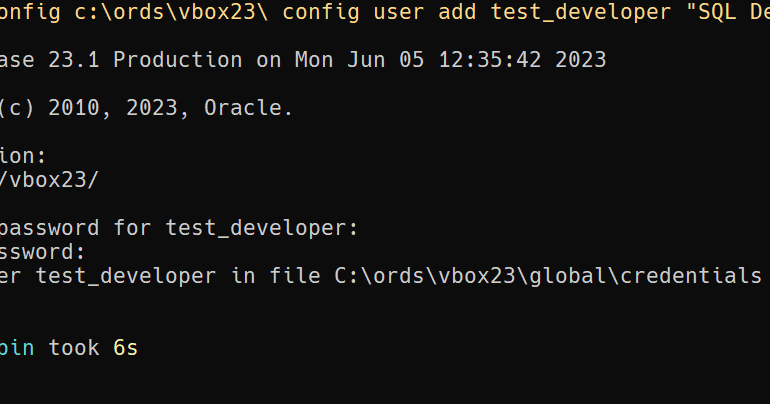
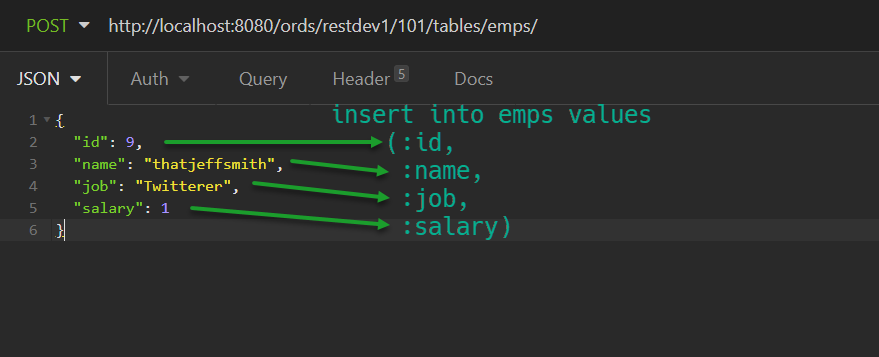
How to create ORDS users for basic auth on your Oracle Database REST APIs. You’ll supply the name of the user, its roles, and a password.
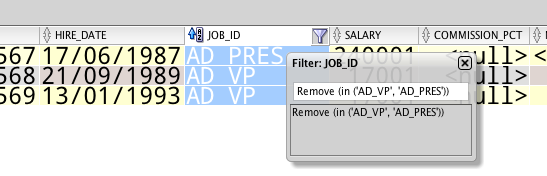
I often spend a lot of time on the ‘cool’ and ‘advanced’ tips and tricks when doing talks for SQL Developer. Today, I’m co-presenting with Helen , and she chose to spotlight a bunch of stuff around filtering. Follow @HelenJSanders I love the topic, but I usually short change the subject in my talks. Today, let’s review all (most??) of the ways SQL Developer can help you get past the clutter. Connections You can hide…
There are tons of properties you can set in your design objects. In fact, I discovered a ‘new’ one this week thanks to my friend David. #Oracle #SQLDev Data Modeler users please up vote my feature request to allow additional “display as” componentshttps://t.co/2fIbVXmIn9:::— david schleis (@dschleis) October 12, 2016 Display as…what’s he talking about? Oh, this. But what if the set of values we give you for a table or column property aren’t enough? What…