This is just a quick and dirty post to answer a question I’ve been getting lately. “Hey, instead of using Copilot, or Claude, or Windsurf, or Cline, or…can we build our own agent?”
YES, yes you can.
Proof that any idiot (me, not you gentle reader!) can code up an AI Agent, and hook it up to their Oracle AI Database via our MCP Server, Oracle SQLcl –
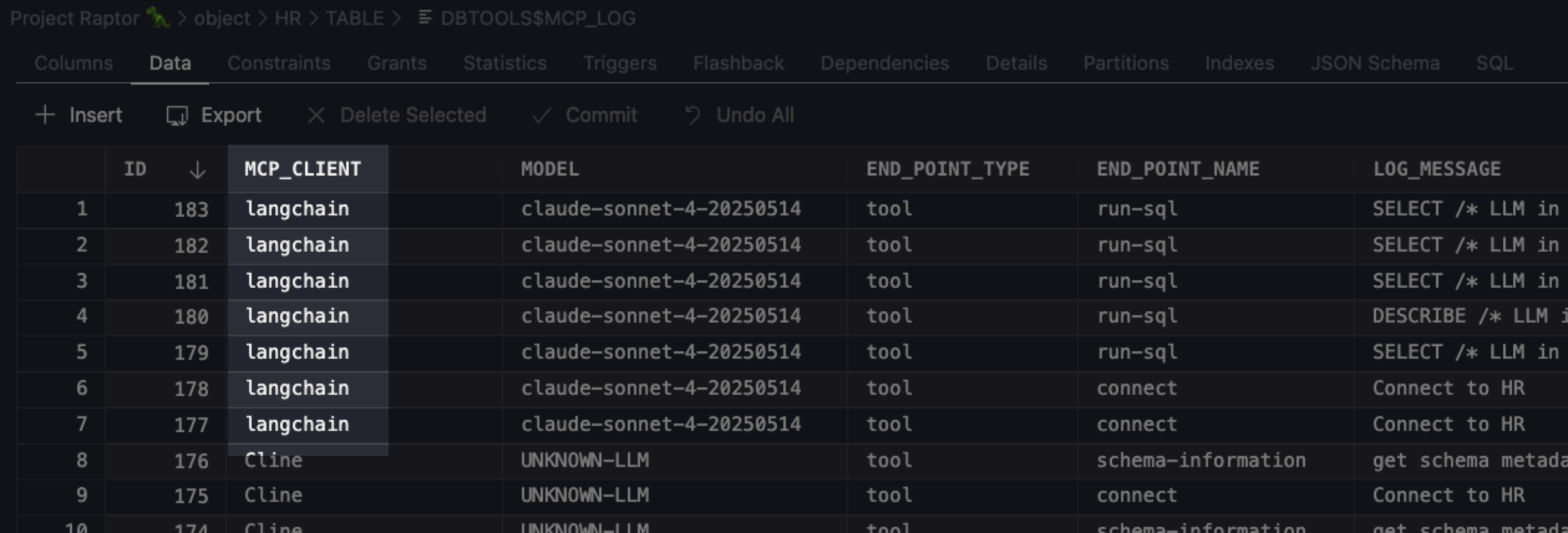
With not very much python code, I was able to get a chat prompt that allowed me to ask natural language questions to interact with any of my Oracle databases.
thatjeffsmith$ /Users/thatjeffsmith/langchain/.venv/bin/python main.py

============================================================
NL2SQL Chat Agent - Oracle Database Edition
Powered by LangChain + Claude + MCP
============================================================

Initializing agent...
Agent ready! Type 'exit' or 'quit' to end the session.

You: Connect to Project Raptor 🦖 database and find the highest paid employee by salary

Agent: ---------- MCP SERVER STARTUP ----------
MCP Server started successfully on Mon Dec 01 14:55:19 EST 2025
Press Ctrl+C to stop the server
----------------------------------------
Dec 01, 2025 2:55:20 PM
## Summary

I successfully connected to the **Project Raptor 🦖** database and found the highest paid employee:

**Highest Paid Employee:**
- **Name:** Steven King
- **Employee ID:** 100
- **Email:** SKING
- **Job Title:** AD_PRES (President)
- **Salary:** $24,000
- **Department:** Executive (Department ID: 90)

Steven King is the President of the company and works in the Executive department, earning the highest salary of $24,000 among all employees in the database.

You: kthxbyePrefer Java? Then you can follow Anders’ example complete with code!
Anders is a developer advocate here at Oracle. He’s a ‘real developer’ – you can trust that his code is much more enterprise ready than mine!
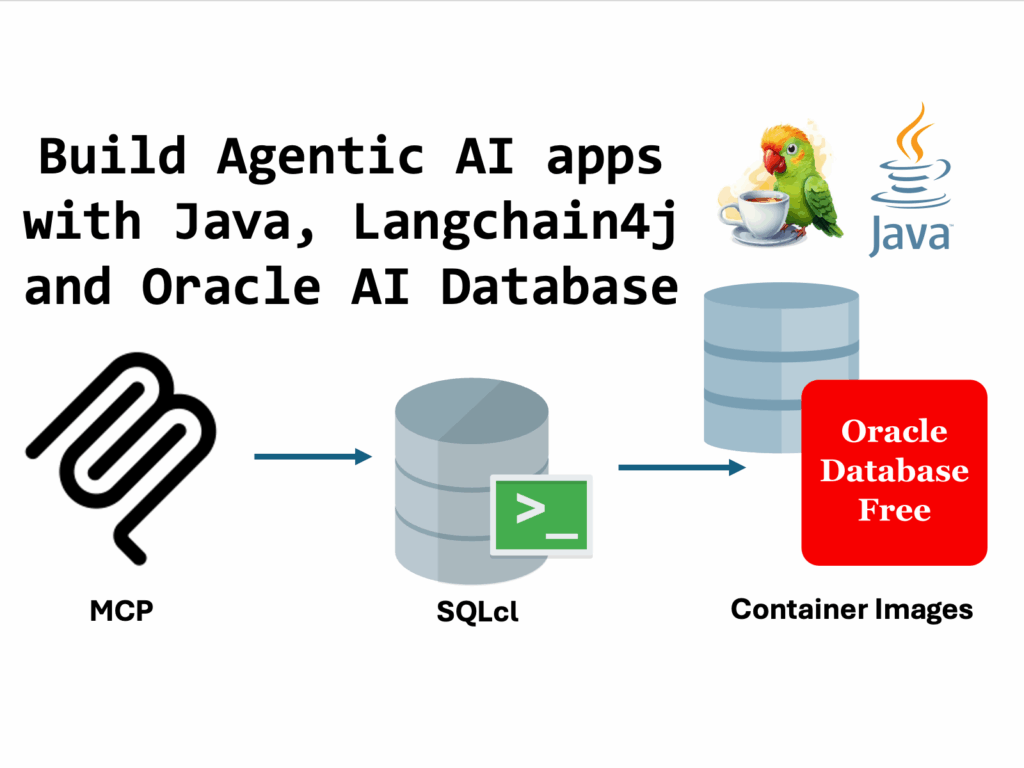
Neither Anders nor I are running local LLMs. In my python project, I’m using my Claude Console API key to access and use their Claude Sonnet 4 model. Anders is using OpenAI’s gpt-40-mini model.
If you’re building your own AI Agent, you might very well WANT to run a local LLM – this would ensure your data isn’t leaving your environment. Remember, MCP doesn’t care what model or agent you’re using…
I’m not going to show my code, yet
I threw it together in less than an hour, and it’s not brilliant.
However, here’s my system prompt –
self.system_prompt = """You are an expert SQL assistant with access to an Oracle database.
Your role is to:
1. Understand natural language questions about data
2. Generate accurate SQL queries to answer those questions
3. Execute the SQL using the available tools
4. Summarize the results in a clear, understandable way

When a user asks a question:
- First, use get_schema_info if you need to understand the database structure
- Then generate the appropriate SQL query
- Execute it using execute_sql
- Finally, provide a clear summary of the results

Always ensure your SQL queries are safe and follow Oracle SQL syntax.
"""My get_schema_info python method uses a hard coded SQL statement to get information about the schema, INSTEAD of using the new schema-information MCP tool. That will be my next step to get this code, shareable.
Here’s my mcp server config –
{
  "command": "/opt/sqlcl/25.3/sqlcl/bin/sql",
  "args": ["-mcp"],
  "type": "stdio",
  "env": {}
}So yeah, it’s local, it’ll work just fine with my local python agent running in my terminal.
Testing my MCP Server
Here’s a stub of python to see if i can see/access the MCP Server –
from src.agent import NL2SQLAgent
import json

# Load config
with open('config/mcp_config.json') as f:
    config = json.load(f)

# Test the agent
agent = NL2SQLAgent(config)
print('Agent initialized!')
print()

# Test a simple query
response = agent.chat('List all available database connections')
print('Response:', response)

agent.close()And running my test program: voila!
Agent initialized!

---------- MCP SERVER STARTUP ----------
MCP Server started successfully on Tue Dec 02 15:33:08 EST 2025
Press Ctrl+C to stop the server
----------------------------------------
Response: Here are all the available Oracle database connections:

1. **Project Raptor 🦖**
2. **Free26ai**
3. **🅾️ Autonomous Reporting**
4. **system**
5. **Project Payroll 💲**
6. **HR123**
7. **ADMIN**
8. **demo**
9. **windy**

You can connect to any of these databases by specifying the connection name. Would you like me to connect to one of these databases so you can start querying data?

Server shutting down...

Macmini:langchain thatjeffsmith$ Looking for more content on how to accomplish tasks with our MCP Server?
Checkout Chris’ posts on blogs.oracle.com –
- design and implement your data model (schema objects)
- build an HTML dashboard summarizing employees/HR
- coming soon, building your first Oracle Database REACT web application