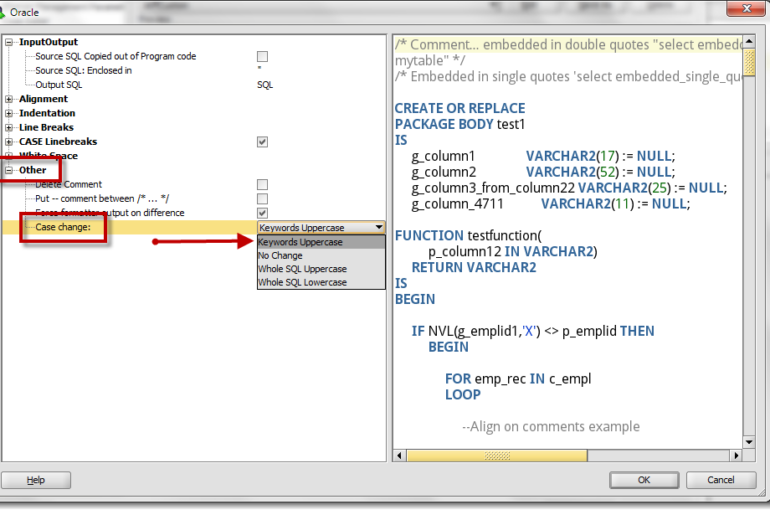
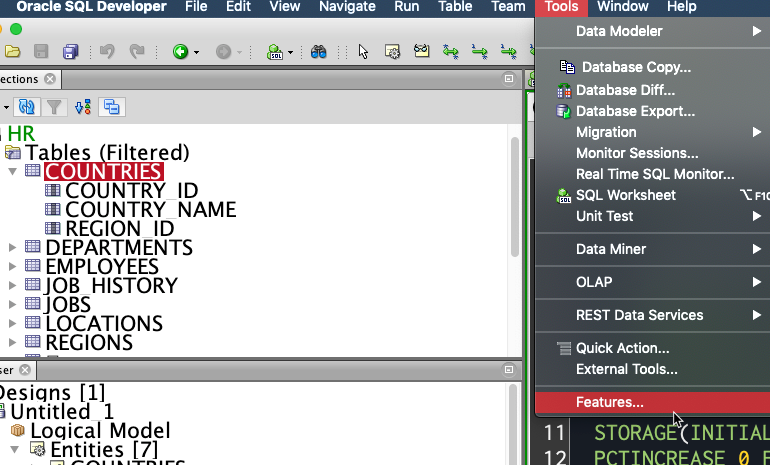
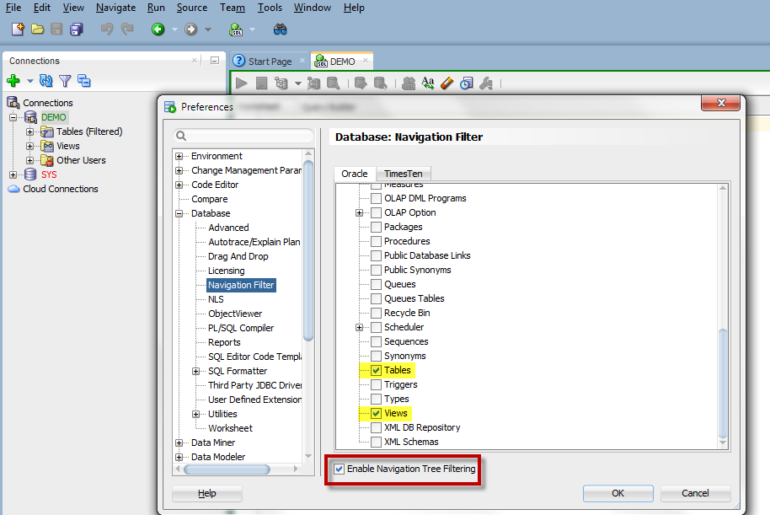
I received this question from a customer today, and it took me more than a few minutes to remember where this preference was located in SQL Developer. This tells me that the topic is ripe for blogging How do I go FROM: TO It’s all in the formatting You need to access the formatting preferences [...]
option
Click No Browse: How to Navigate Objects Without Opening Them
Oracle SQL Developer by default automatically opens the object editor when you click on an object in your connection tree or schema browser. For most folks this is very convenient. But if you are selecting objects to drag them to a model or to the worksheet, this can get annoying as the focus of the [...]
SQL Developer: Tastes Great, Less Filling?
The ‘Holy Grail’ of software tools is the environment where things are made easy, but not at the expense of usability or simplicity. You use a tool because it makes something ‘easier’, but some software products are anything but. SQL Developer is fairly scaled down. You have a few toolbars, several menus, and 2 driving [...]
SQL Developer Quick Tip: Pretty It Up a Bit
No, not your code. I want you to take a quick look at the visual preferences for SQL Developer. In an earlier post I pontificated on the top 10 options to tweak before starting to use SQL Developer. Now once you have the tool operating the way you want, I think it’s time to make [...]
Top 10 Preferences to Tweak when using SQL Developer
There are too many options in our every day lives. We love asking for more options, but I often find myself being overwhelmed by the number of questions I have to answer before I can accomplish very mundane tasks. Do you want your latte ‘skinny’ or your cappuccino ‘wet?’ Waffle House customers are probably familiar [...]

Twitter
RSS
GooglePlus
Facebook